The Largest Curatorial Library
With Attachment

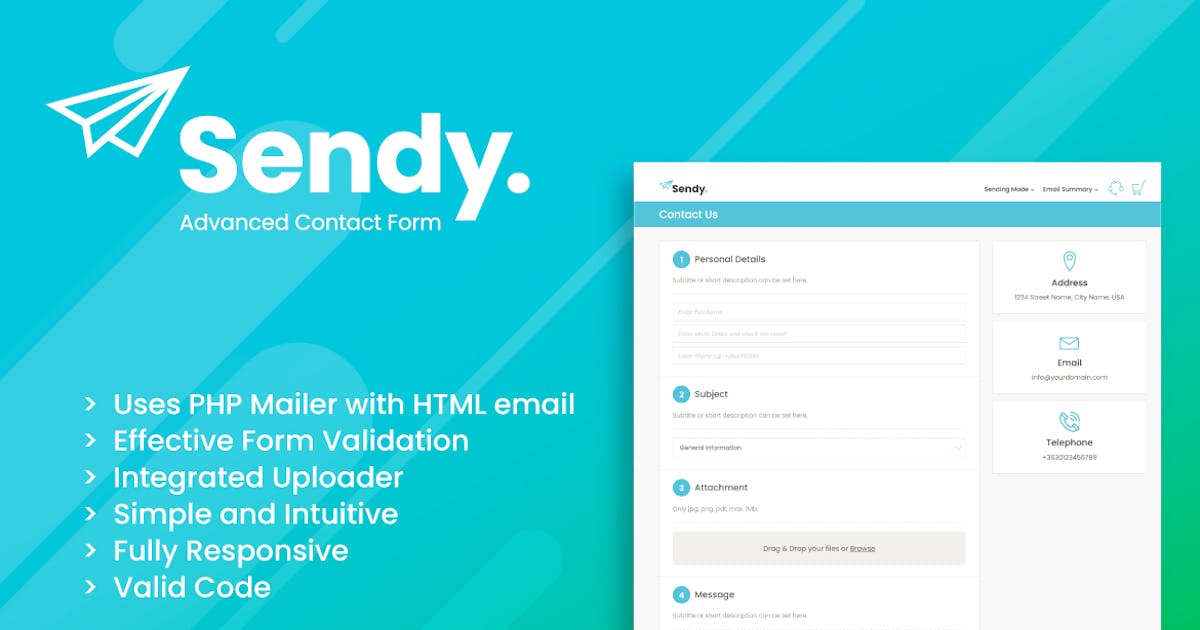
Sendy | Advanced Contact Form with File Uploader

Sendy | Advanced Contact Form with File Uploader

Sendy is a multipurpose, 100% responsive, simple and clean contact form built with HTML5, CSS3, jQuery using latest Bootstrap so looks great on any device. With its PHP engine Sendy is able to send messages using various mail transfer protocols. With the help of its file uploader module, you can have a platform where your customers and visitors can easily send their requests and files and as a result you both will get well structured email notifications. Integrated Google reCaptcha v3 protects you from unvanted messages.

Drop Uploader for CF7 - Drag&Drop File Uploader Addon

Drop Uploader for CF7 - Drag&Drop File Uploader Addon

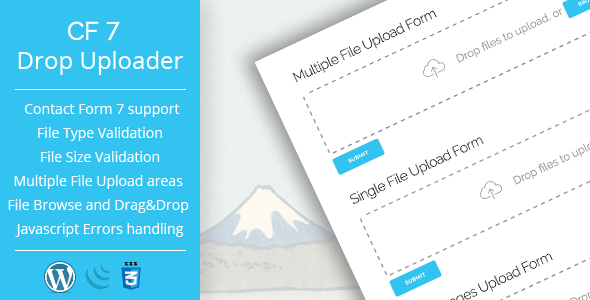
CF7 Drop Uploader WordPress plugin allows you to add powerful Drag & Drop File Uploading area to your Form, that was built with Contact Form 7. You can add several file uploading areas for one form, set maximum files amount for each field, maximum file size and file type for each of them. You can send uploaded files as mail attachments, links to Dropbox or upload them to your server and send links to them. Also, Drop Uploader supports Javascript file validation, so it can handle errors before the file was uploaded.

MailWizz EMA - Custom subscriber attachment

MailWizz EMA - Custom subscriber attachment

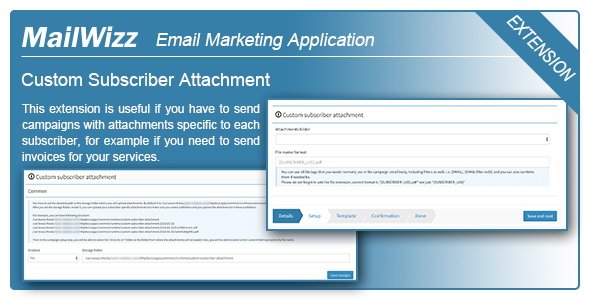
As an example, let’s say your storage path is: /home/domain/attachments, then inside it, you can create following structure: /home/domain/attachments/January-Invoices/custom-field-value-subscriber-1.pdf /home/domain/attachments/January-Invoices/custom-field-value-subscriber-2.pdf /home/domain/attachments/January-Invoices/custom-field-value-subscriber-3.pdf /home/domain/attachments/February-Invoices/custom-field-value-subscriber-1.pdf /home/domain/attachments/February-Invoices/custom-field-value-subscriber-2.pdf /home/domain/attachments/February-Invoices/custom-field-value-subscriber-3.pdf Now when sending a campaign, you can select the January-Invoices folder and all subscribers will receive invoices from that folder. The file name, “custom-field-value-subscriber-x” can be the value of any parsed tag.