Salesy - Business Sales CRM
Description
Overview
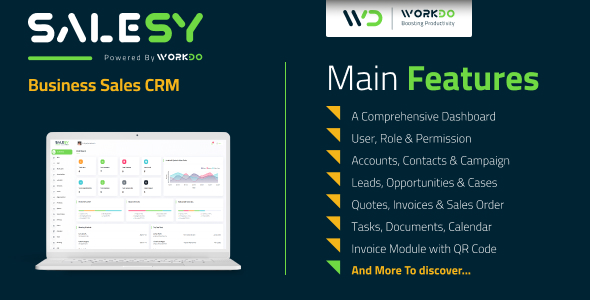
Sales are indeed the thriving need of any organization. Salesly is a business sales CRM tool, here to make your complex sales activity a lot easier. Never again miss a meeting or miss on a quote or miss a client for poor management.



Demo
Url : Demo Link Login as Company : company@example.com / 1234 Login as User : IsidroTJohnson@armyspy.com / 123456

What to expect from Salesy – Business Sales CRM
- The ease and feasibility bought in by an efficient dashboard layout cannot be undermined
- You can manage multiple users by assigning roles and permissions to them
- List and grid views to suit users of different needs
- Easy management of different accounts of a firm
- Manage numerous leads and opportunities through the Kanban board, allowing for easy changes
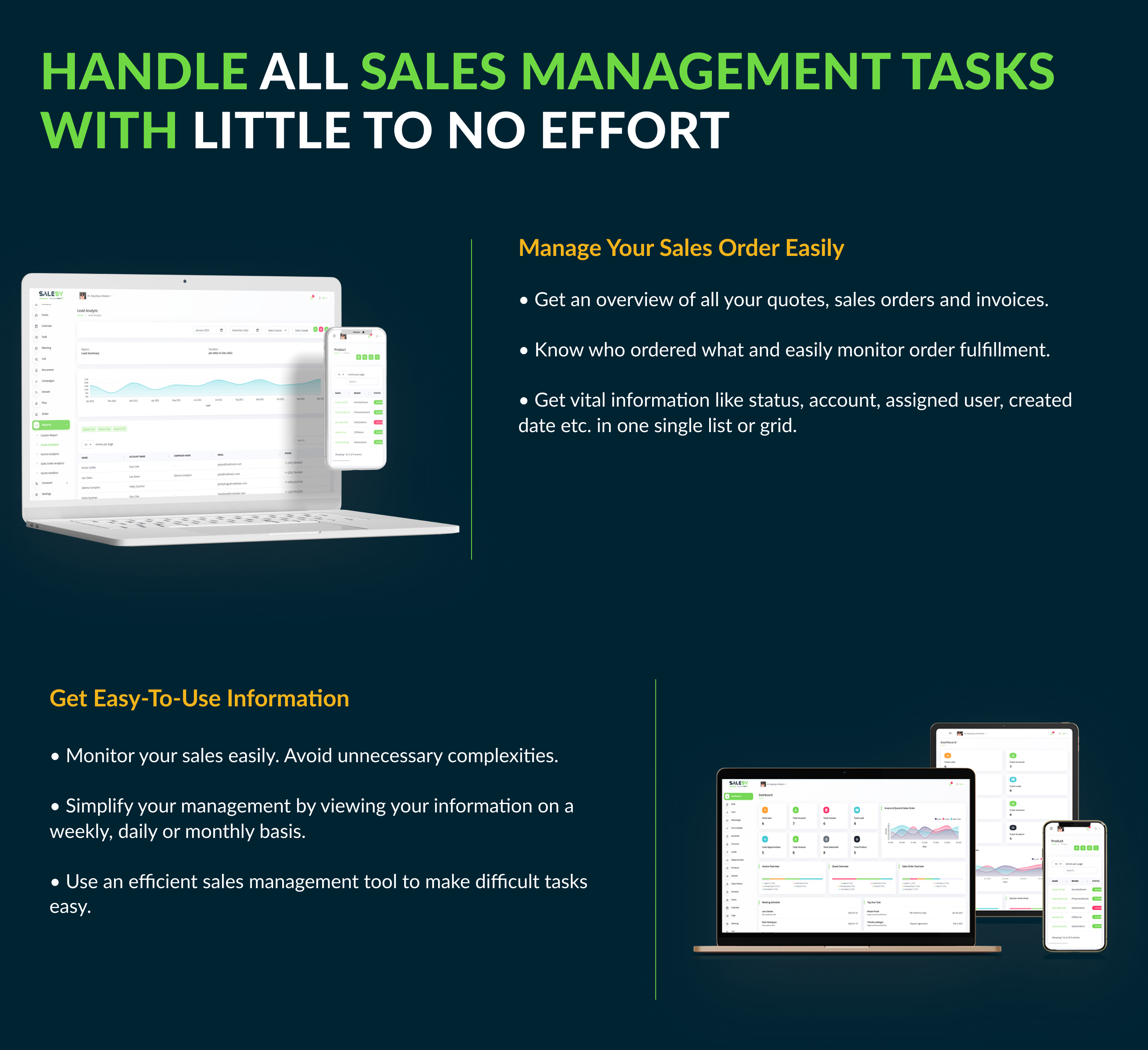
- Easy management of quotes, sales orders, and invoices of different orders
- Management of documents and campaigns relating to different aspects of sales
- The owner can create duplicate quotes, invoices & sales order
- Available in multiple languages. It thereby facilitates global usability
- Make Optional Assign User In All Module
- Invoice Module with QR Code
- Twilio Integration
- Added Landing Page On/Off Settings
- A user-friendly RTL experience for the customers using Arabic, Hebrew, and Urdu-like languages
- Auto-generated and custom make reports for different sales activities
- Any of the plans’ payments can be done using 10 diverse payment gateways namely Stripe, PayPal, Paystack, Flutterwave, Razorpay, Paytm, Mollie, Skrill, Mercado Pago, CoinGate
- Built with Laravel 8
Salient Features of Salesy – Business Sales CRM
Comprehensive Dashboard
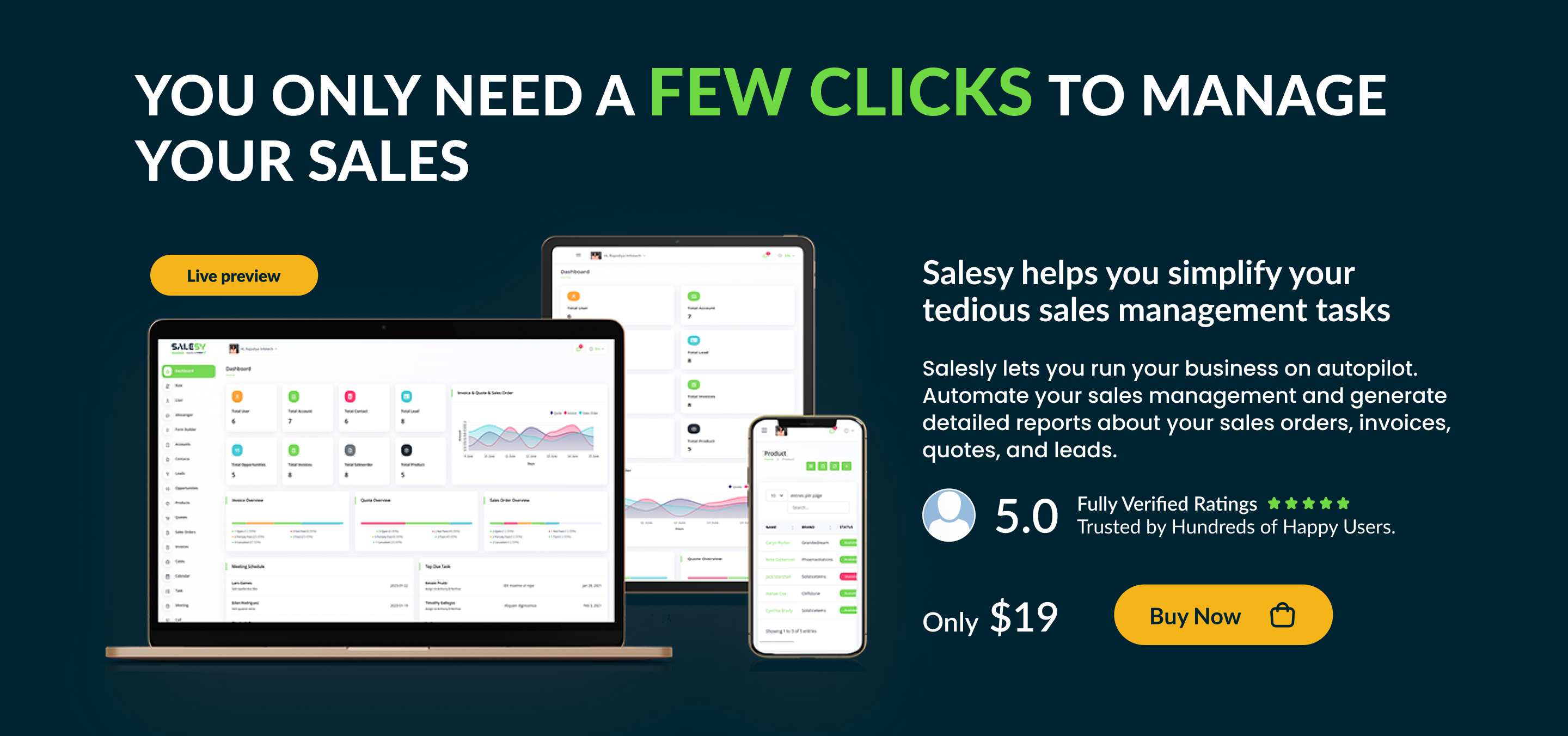
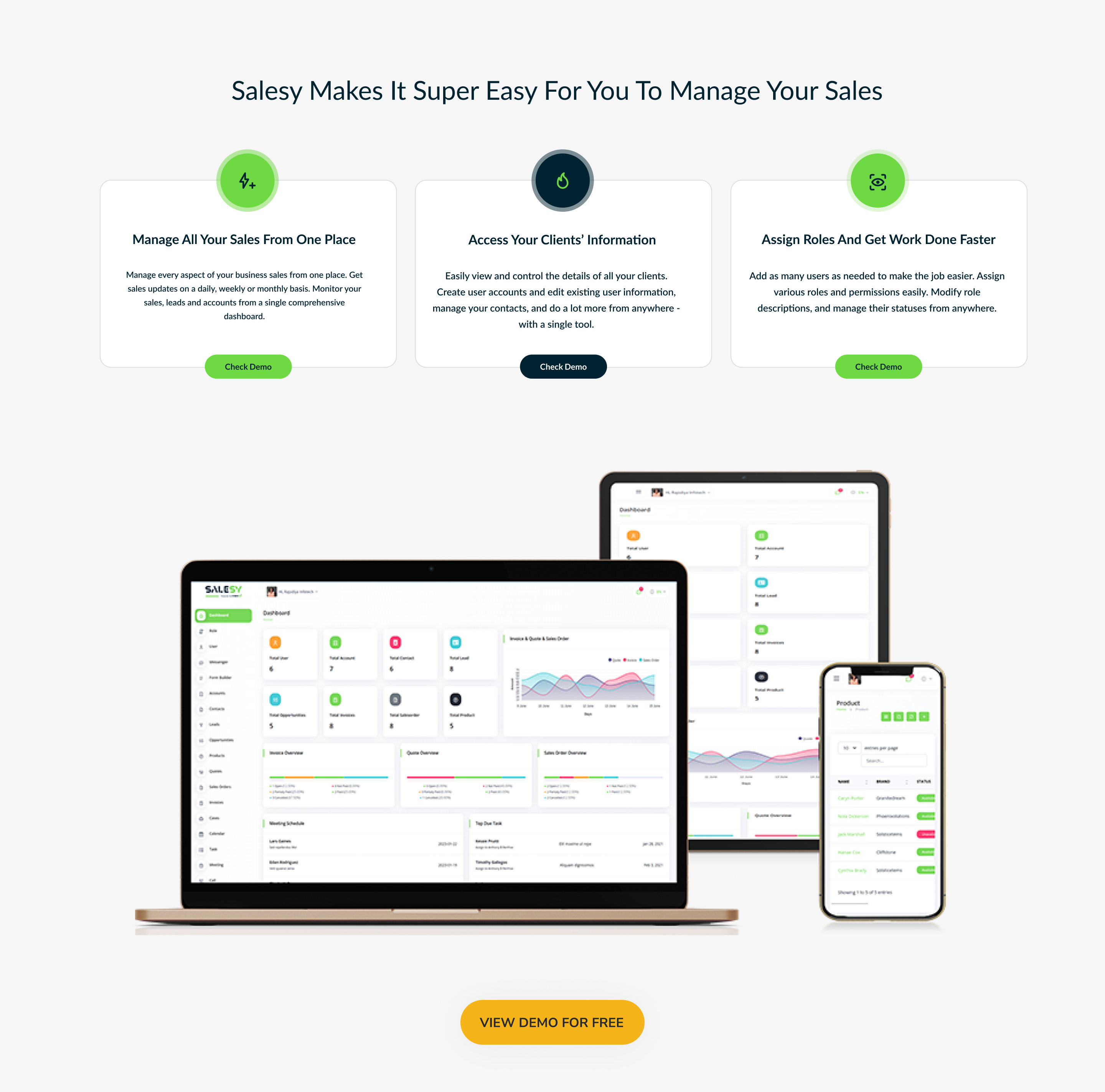
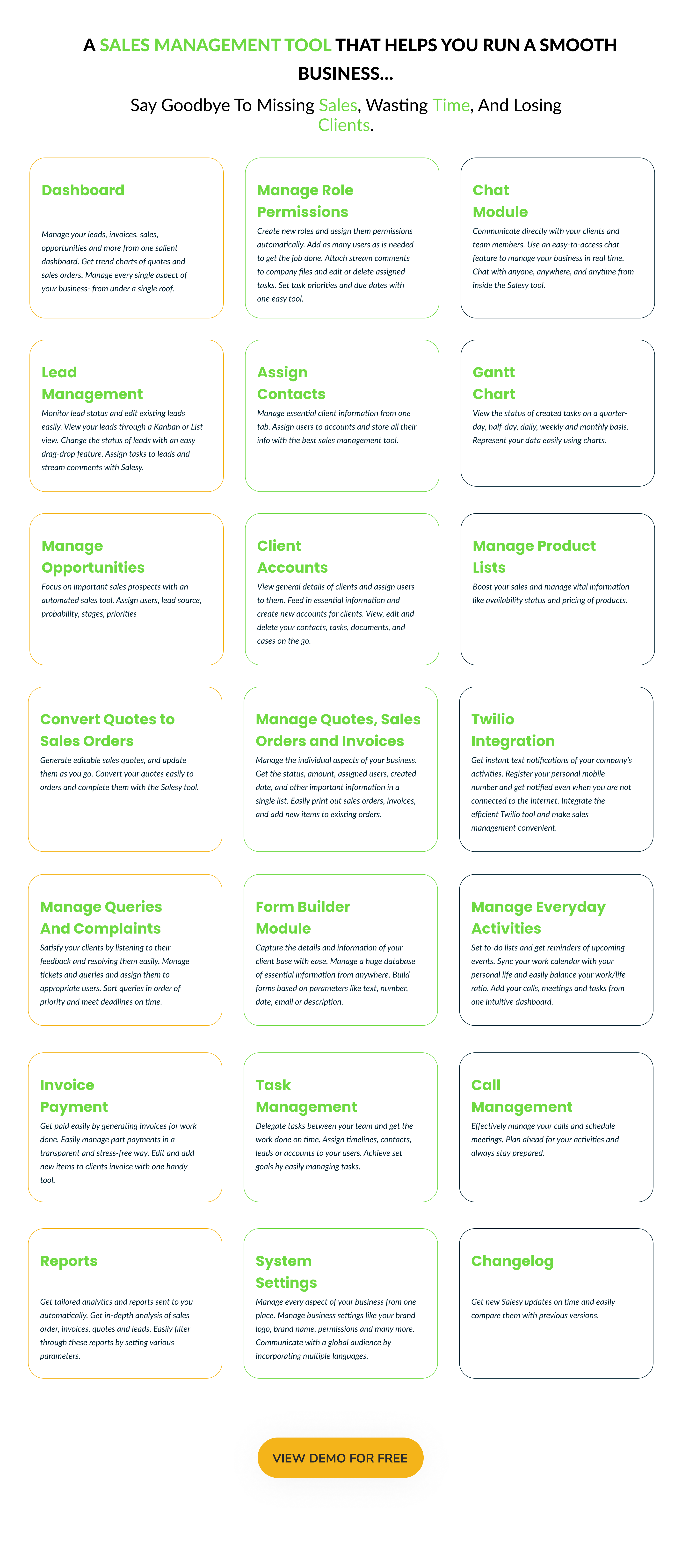
Think of sales and what all comes to your mind? Sales, Leads, Invoices, Products, Opportunities, and AccountS? Well, get an overview total of each of these on a dashboard of Salesy. Further, get a trend chart of Invoices, Quotes, and Sales Orders of a certain specified period. You can also find the individual overview of each of these elements broken down in percentage with their respective status. Get important information through monthly, weekly, and daily calendar charts. Additionally, know the top due tasks, meeting schedule, and month calls on this dashboard. All in all, find all the important sales details under one head.Manage Role Permissions
With Salesy, you can create new roles and assign permissions to them accordingly.- This is a multi-user system. You can add as many users as you wish by adding in their requisite details. Assign the roles to these users and manage their status.
- Additionally, you can add stream comments and attach files with these comments.
- Lastly, you can view, edit and delete the tasks assigned to these users. Assign task stage, priority, and start and due date to these tasks.
- Printing of sales order and invoice
- Add new items to existing sales orders and invoices
- Get an overview of each quote, sales order, and invoice
Chat Module
Direct Communication is an important aspect of any of the businesses. The easy-to-access and use Chat Module provided in Rota Solution, helps you to be in direct and constant touch with the parties.Added task Gantt chart
A chart is always one of the strong representations of data we have. Here, Gantt Chart shows the status of the tasks as quarter-day, half-day, daily, weekly, and monthly basis.Parental Settings
Assign Contacts
Manage contacts easily by storing all the essential details under one tab. Assign a user to an account at this point.Lead Management
Lead management is inarguably the crucial part of sales activity. Well, you can either opt for a Kanban or list view, whatever seems apt to you. Further, through easy drag and drop, change the status of leads. Edit existing leads, add stream comments to them and assign tasks to leads.Manage Opportunities
Again, available in kanban view, you can focus on important prospects through this feature. Assign user, probability, stages, lead source, and amount to these opportunities and make informed decisions.Client Accounts
As a sales-centric software, Salesy indeed has advanced features for accounts management. View overall details of clients and also the user assigned to them. Add new accounts to the database by feeding in all the requisite information. Edit existing account information if required and add stream comments. View, Edit, and Delete Contacts, Opportunities, Cases, Documents, and Tasks assigned to these accounts in easy go. In short, manage all the aspects of any single account from here.Manage Product List
Indeed the important component that facilitates sales, it’s important that your product list has all the essential details required. Manage the availability status and pricing of products from here.Twilio Integration
The Twilio Integration for receiving the text messages of the jobs performed is a very handy and convenient feature. You can get an instant text message of the activities on the registered mobile number even when your phone is not connected to the internet, which is one of the most important benefits of Twilio Integration.Quotes, Sales Order, and Invoices
Send a quote, receive an order and send an invoice with the help of a QR Code. Well, this pretty much is the cycle of every organization out there. Manage each aspect of this cycle individually through Salesy. Know the Status, Amount, Assigned User, Created Date, and other vital information in a list itself. You can also opt for a grid view, whatever may suit your convenience. Few special features under this include-Added Convert Quotes to Sales Order
Initially generated sales quotes can be altered, updated as per the modification of sales order on the particular sales quote.Manage Queries/ Cases
After all, there is no point in sales if we cannot resolve the queries. Manage the queries by raising cases and assigning status, priority, and users to them.Added Form Builder Module
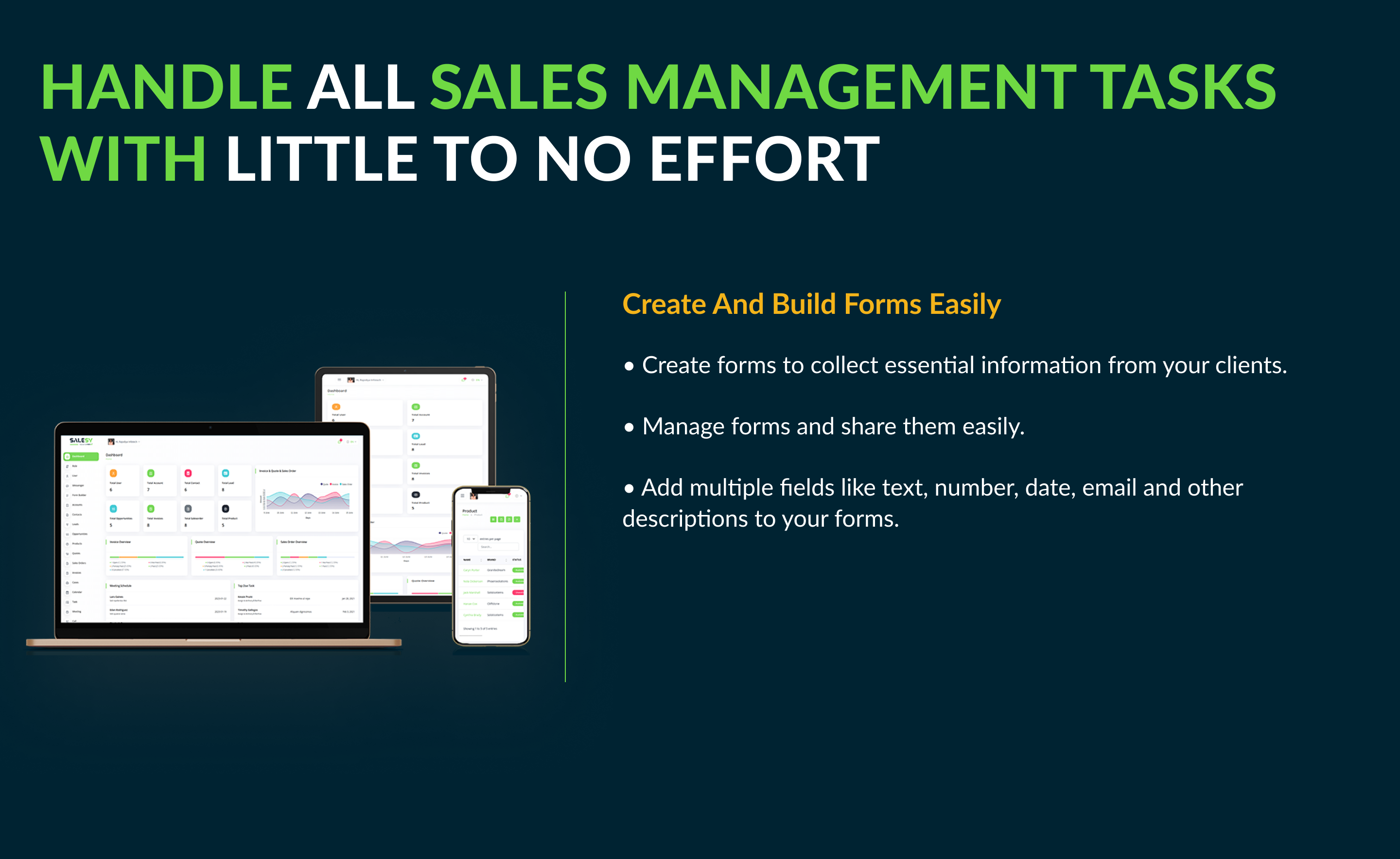
To collect details of any of the information from a huge platform is essential. The manual form builder helps you to create and share the form with multiple fields with text, number, date, email, description.Manage Everyday Activities
It’s difficult to keep a tab on to-do lists if they aren’t backed with timely reminders. Well, manage your calls, meetings, and tasks by adding them to the calendar which in turn would be displayed on the dashboard.Invoice Payment
This feature of invoice payment is very convenient in cases, where the monetary transactions are in part payments and in time gaps. It helps the whole flow of transactions to be presented smoothly.Tasks Management
Assign tasks to either of the case, opportunities, contact, leads, or account. Further, assign task stage, user, timeline, and attachments to it for detailed information. Tasks make for easy achievement of the desired goal.Call Management
Schedule your calls and manage them effectively by planning them well in advance.Reports
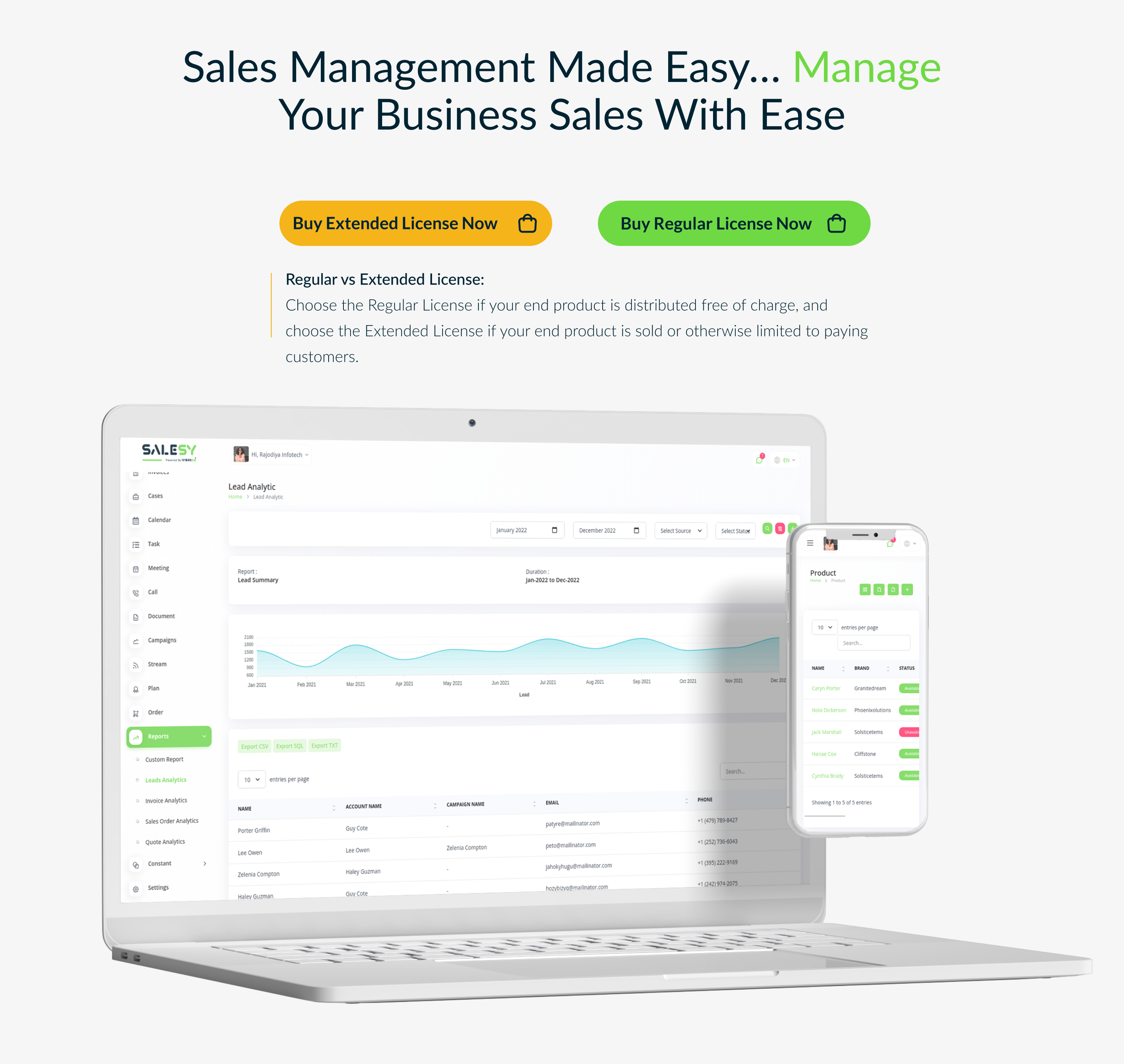
Get auto-generated reports for a sales order, invoice, quote, and leads analysis. You can customize these reports for any given period by filtering various parameters.System Settings
From brand logo to permissions and default settings, control every aspect of this tool from here. Salesly is available in multiple languages for global usage feasibility.Changelog
Here you can see what updates came out and did we bring new to the version. Check Changelog
Support
Please send support request here for any issues, questions or suggestions. To save time and get quick feedback, please don’t ask for support in comments section.



Categories
Tags
External listing. code.market does not sell this product and does not process payment for it. Pricing, payment, delivery, licensing, refunds, and support are handled by the third-party merchant on its own website. We may earn an affiliate commission from a referral. Details.
Products of the Week.
Submit#1

upvote.club
Free Social Media Engagement that Helps Boost Your Content. Upvote Club supports 19 social networks with 100+ engagement actions in one dashboard. Add links to your posts and get free engagement from real users.
SaaS · 15,895 views · 96 clicksSaaS · Week 42 · 15,895 views · 96 clicks
#2

Seenshot App
Free, Fast, MacOS Screenshot app. Make Screenshot cmd+shift+2 and send it via link
Desktop App · 4,940 views · 109 clicksDesktop App · Week 42 · 4,940 views · 109 clicks
#3

Conversational Backlinks for Busy Founders
Place Backlink Relevant Conversation for your domain across Forums and Conversations
Website · 16,767 views · 195 clicksWebsite · Week 42 · 16,767 views · 195 clicks
#4

Substack Posting API
Onboard your Agent to Substack. Write Publish on Substack via API
SaaS · 35,762 views · 184 clicksSaaS · Week 42 · 35,762 views · 184 clicks
#5

codester.com
SocialDesk+: Omnichannel Social Commerce & Business Management Platform This is stronger than simply “Social Commerce and Messaging” because it tells buyers this is a complete business platform, not just a messaging script. Turn Social Conversations Into Sales SocialDesk+ is a complete omnichannel social commerce and business management platform built for businesses that sell and communicate with customers through social media. Instead of switching between WhatsApp, Facebook, Instagram and TikTok, businesses can manage customer conversations, comments, products, leads, follow-ups, automation, teams and business reports from one professional workspace. And because the full source code is included, developers, agencies and entrepreneurs can customize, rebrand and launch SocialDesk+ as their own business solution or SaaS platform. 🚀 Build Your Own Social Commerce Business SocialDesk+ gives you the foundation to launch: - Your own SaaS platform - A white-label social CRM - A social-commerce management system - A customer communication platform - A business messaging solution - A custom solution for clients - A multi-business subscription platform 💬 Connect Your Customers Supported social channels include: WhatsApp • Facebook • Instagram • TikTok Bring supported conversations into one centralized workspace and help businesses respond faster without constantly switching between platforms. 🛍️ More Than a Messaging Platform SocialDesk+ combines communication with the tools businesses need to manage customer opportunities: Inbox Manage customer conversations from connected channels. Comments Monitor and respond to social-media comments. Customers & Leads Organize customer information and potential buyers. Products & Catalog Manage products and give your team quick access to product information. Follow-Ups Make sure potential customers don't get forgotten. Automation Automate repetitive customer questions and responses. AI Assistant Provide AI-assisted communication when configured. Team Management Give managers and staff access to the business workspace. Reports & Analytics Track activity using business reports and analytics. The current product listing already includes these capabilities. 🔥 Why Buyers Will Want It Launch Faster Start with an already-built business platform instead of developing the entire system from zero. Customize Everything The full source code is included, allowing developers to change branding, features, workflows and integrations. Build a SaaS Create multiple business workspaces and offer SocialDesk+ as a subscription-based service. Sell to Businesses Offer it to retailers, restaurants, service businesses, online sellers, agencies and other businesses that communicate with customers through social media. Mobile + Web + Backend This isn't just a mobile UI template. It includes: - Flutter mobile application - Python / FastAPI backend - Web interface - Administration tools - Database infrastructure - API-based architecture - SQLite / PostgreSQL support - Android and iOS project structure 💼 One Platform. Multiple Business Opportunities. For SaaS Entrepreneurs Launch your own subscription platform and allow multiple businesses to operate inside separate workspaces. For Software Agencies Customize and rebrand the platform for clients instead of building an omnichannel business system from scratch. For Developers Use the complete source code as a foundation for your own social-commerce or customer-management product. For Businesses Deploy a dedicated version for your own customer-service and social-commerce operations. 🧩 What's Included Mobile - Flutter / Dart - Android - iOS project Backend - Python - FastAPI - SQLAlchemy - Alembic Database - SQLite - PostgreSQL Web - HTML5 - CSS3 - JavaScript Deployment - Docker - Docker Compose - Production configuration Business Platform - Multi-workspace architecture - Authentication - Teams - Customers - Products - Messaging - Comments - Automation - Reports - Subscriptions - Administration The current listing also documents third-party integrations such as Meta, TikTok, Stripe, Firebase, SMTP and optional OpenAI configuration. ⚡ What Makes SocialDesk+ Different? You're not buying a simple: ❌ Chat UI ❌ WhatsApp clone ❌ Flutter template ❌ Admin dashboard ❌ Basic CRM You're getting a complete business platform foundation that can be customized, branded and commercialized. Connect. Automate. Manage. Grow. SocialDesk+ Omnichannel Social Commerce & Business Management Platform One important change I'd make to the current listing The current page starts with: “A simple guide to managing your social conversations, customers, products and business activity.”
Other · 3,174 views · 30 clicksOther · Week 42 · 3,174 views · 30 clicks
#6

sandbook.app
Sandbook reads EPUB, PDF, web pages and scanned pages aloud with Kokoro TTS, an open neural voice model that runs on your iPhone, free and offline. Choose from 41 natural voices in English, Spanish, French, Italian, Brazilian Portuguese and Hindi and follow each word as it is spoken. Try the same voices in your browser first with the free Kokoro TTS online demo.
Other · 3,178 views · 13 clicksOther · Week 42 · 3,178 views · 13 clicks