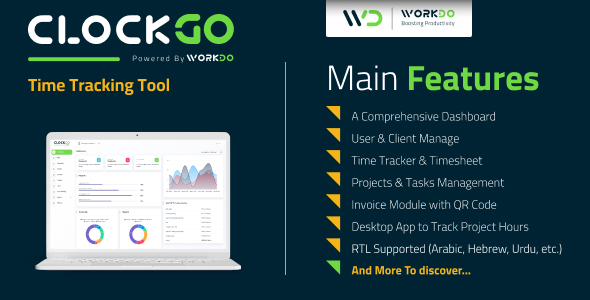
ClockGo - Time Tracking Tool
Description
Overview
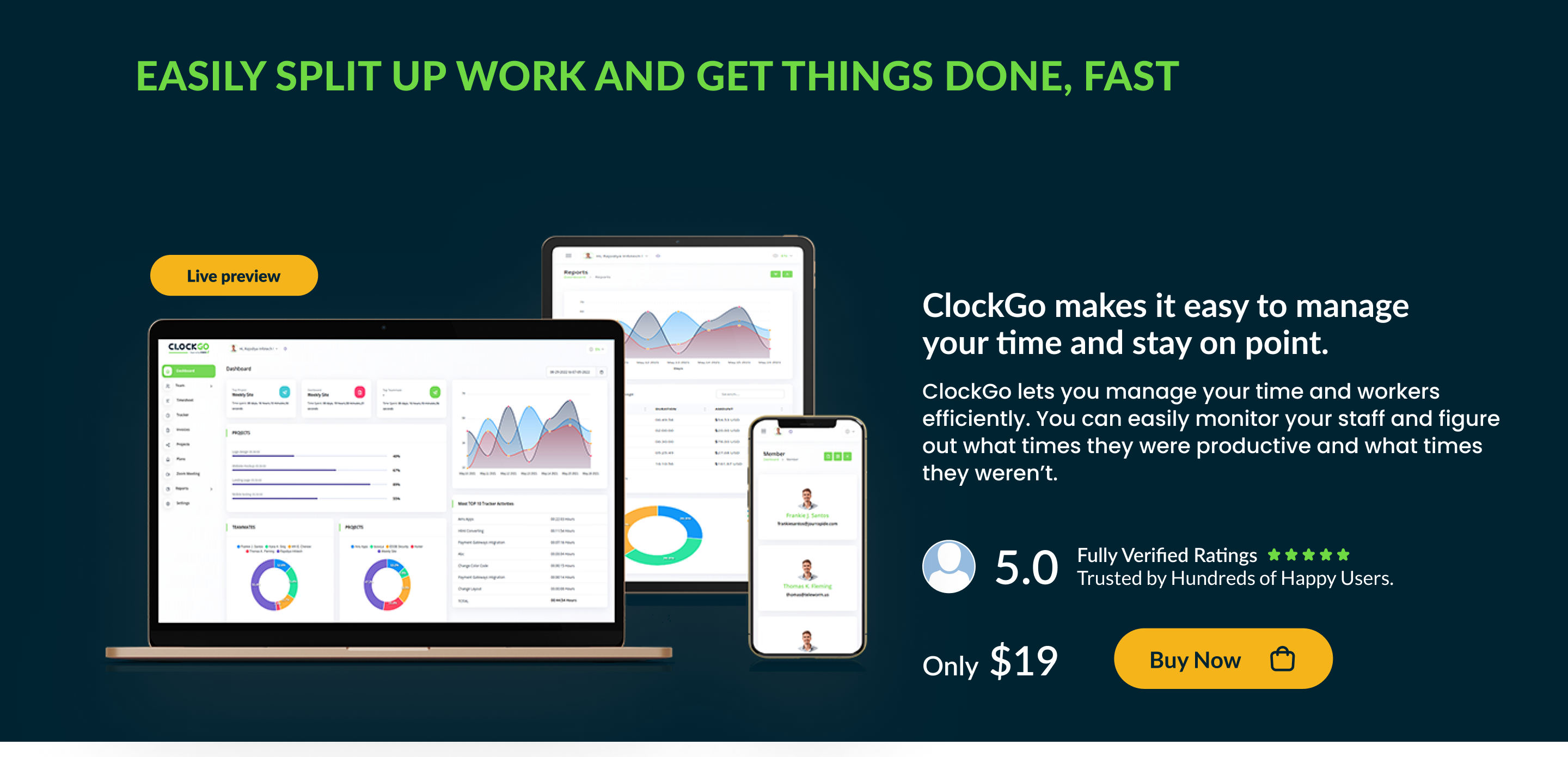
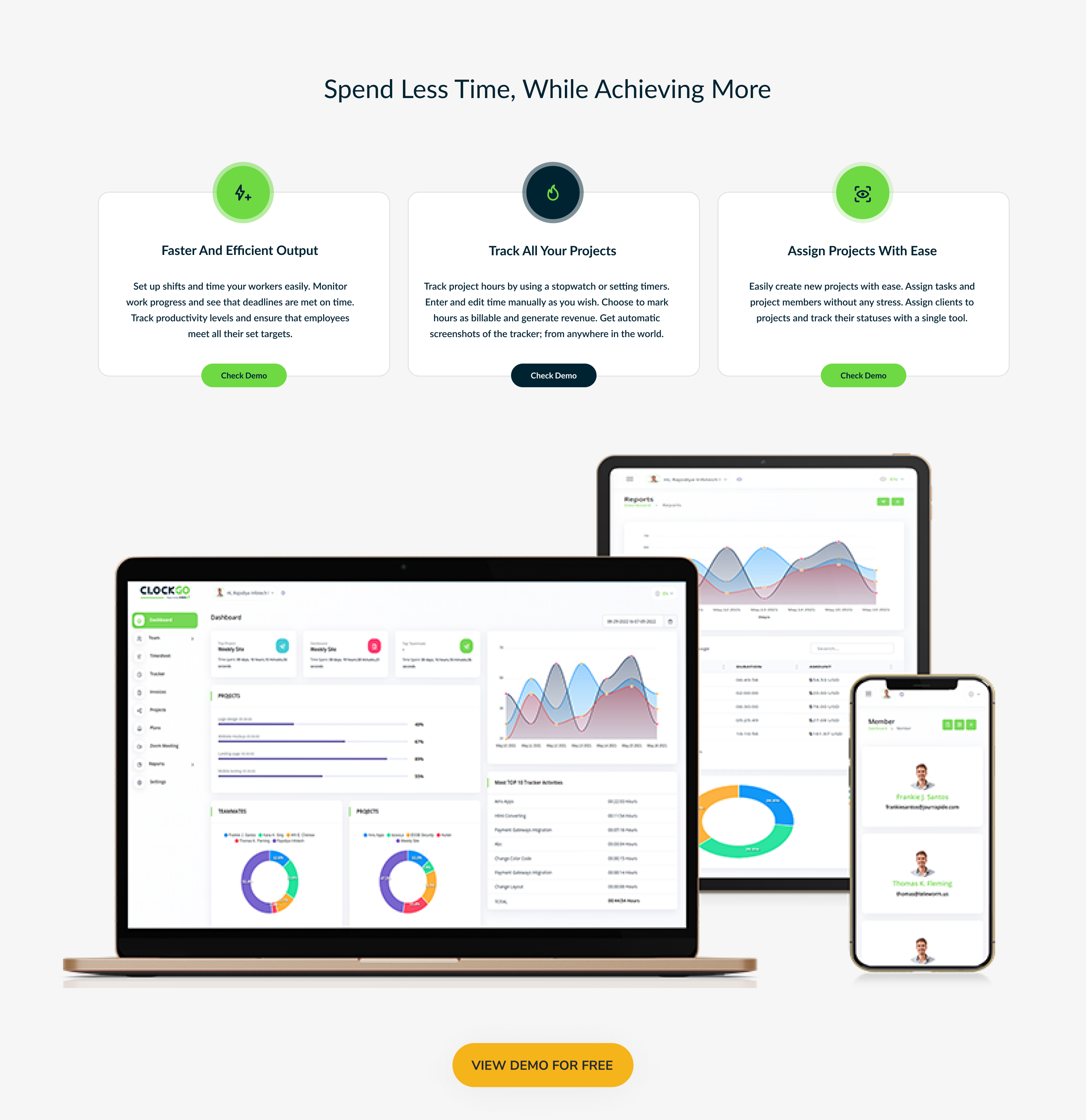
Time tracking has never been this easier. With ClockGo you can track the time spent on each project through timer settings and manual setup. Through charts and accumulated data, you can effectively manage the time of your client and the individual member.



Demo
Url : Demo Link Login as Company : admin@example.com / 1234 Login as User : dianasing@jourrapide.com / 123456789 Login as Client : ollielloyd@rhyta.com / 123456789
What to expect from ClockGo – Time Tracking Tool
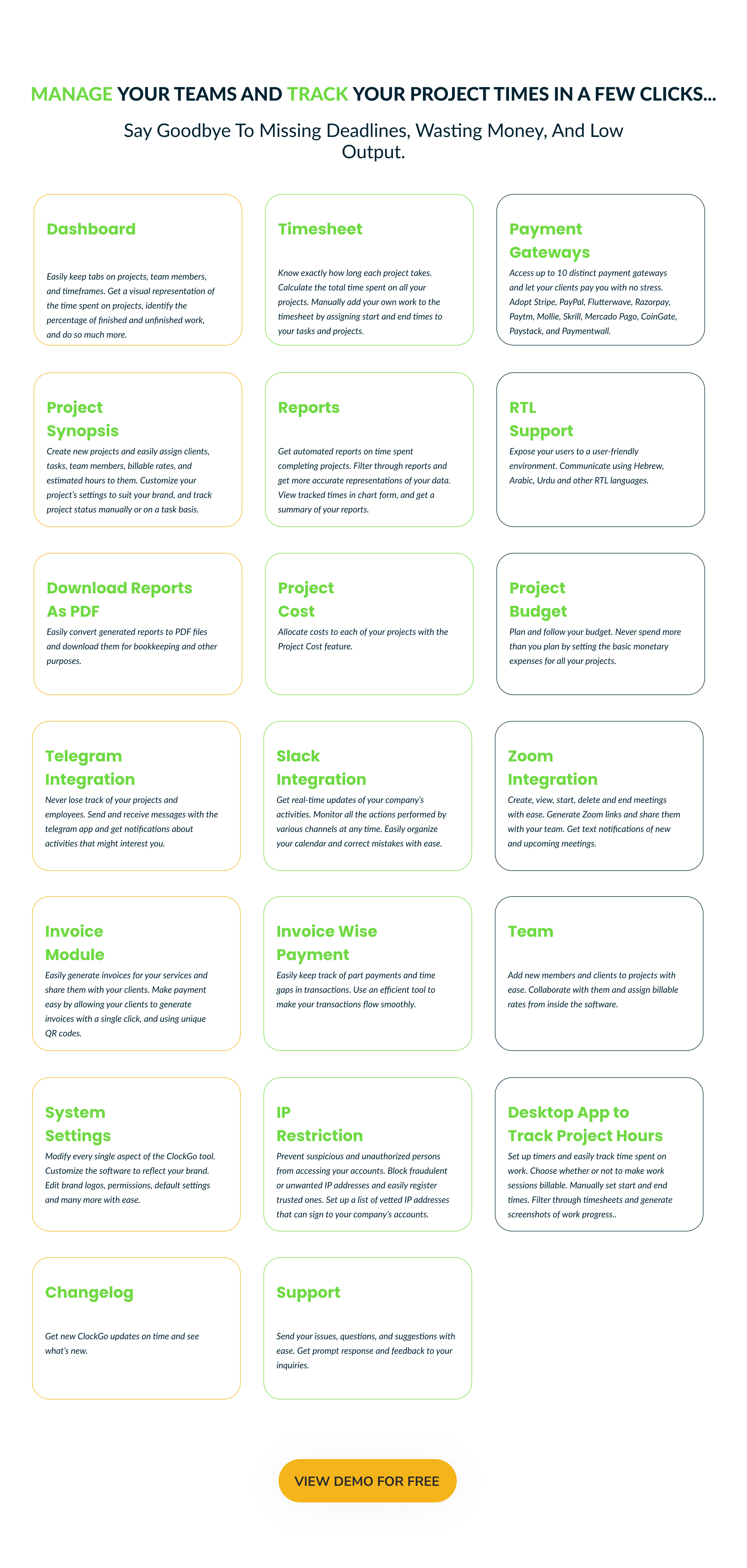
- Timesheet to get an understanding of time spent on each project, each day, and total time spent for a custom time frame
- Effective layout of a dashboard with visual bar graphs and pie charts
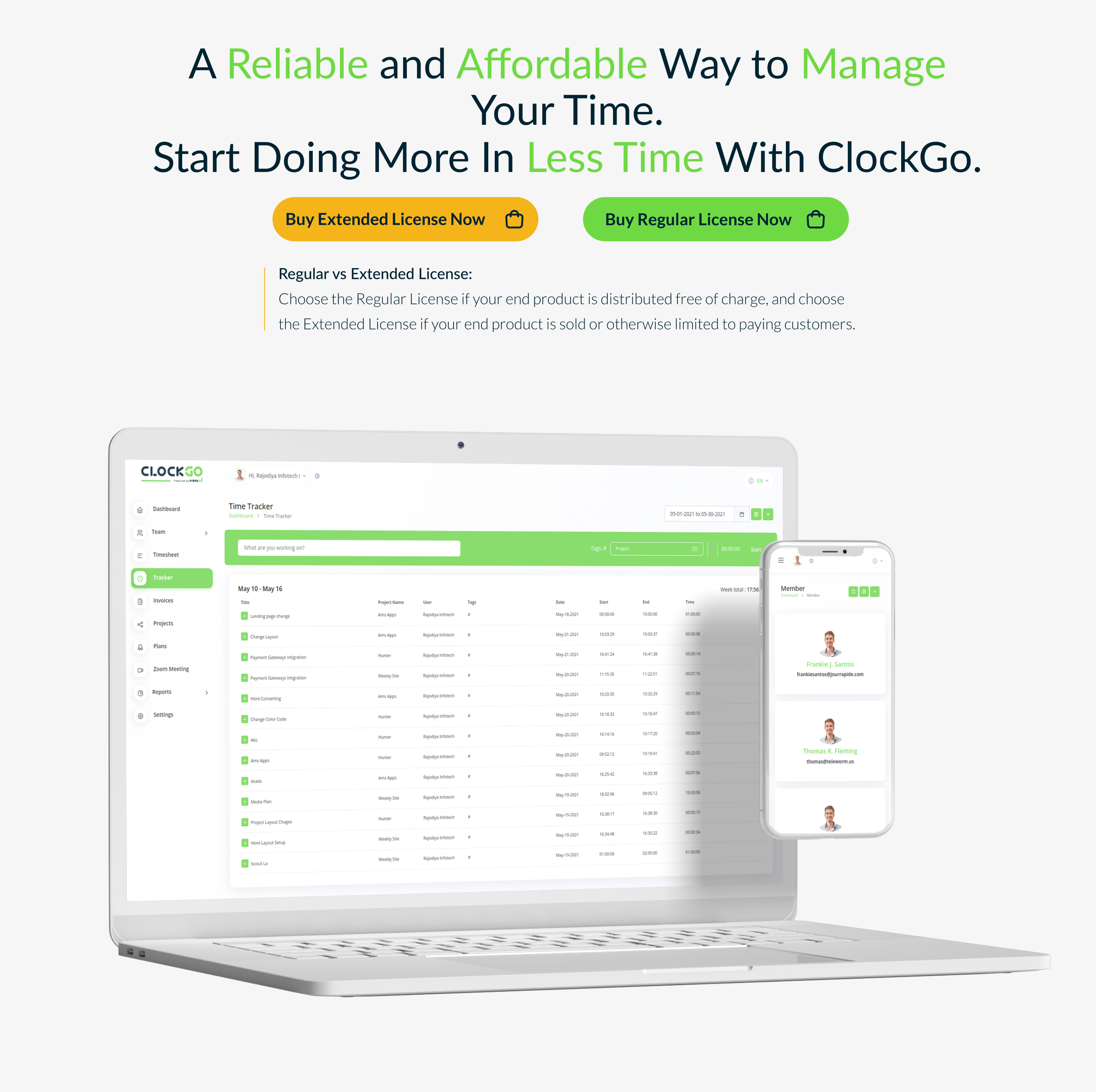
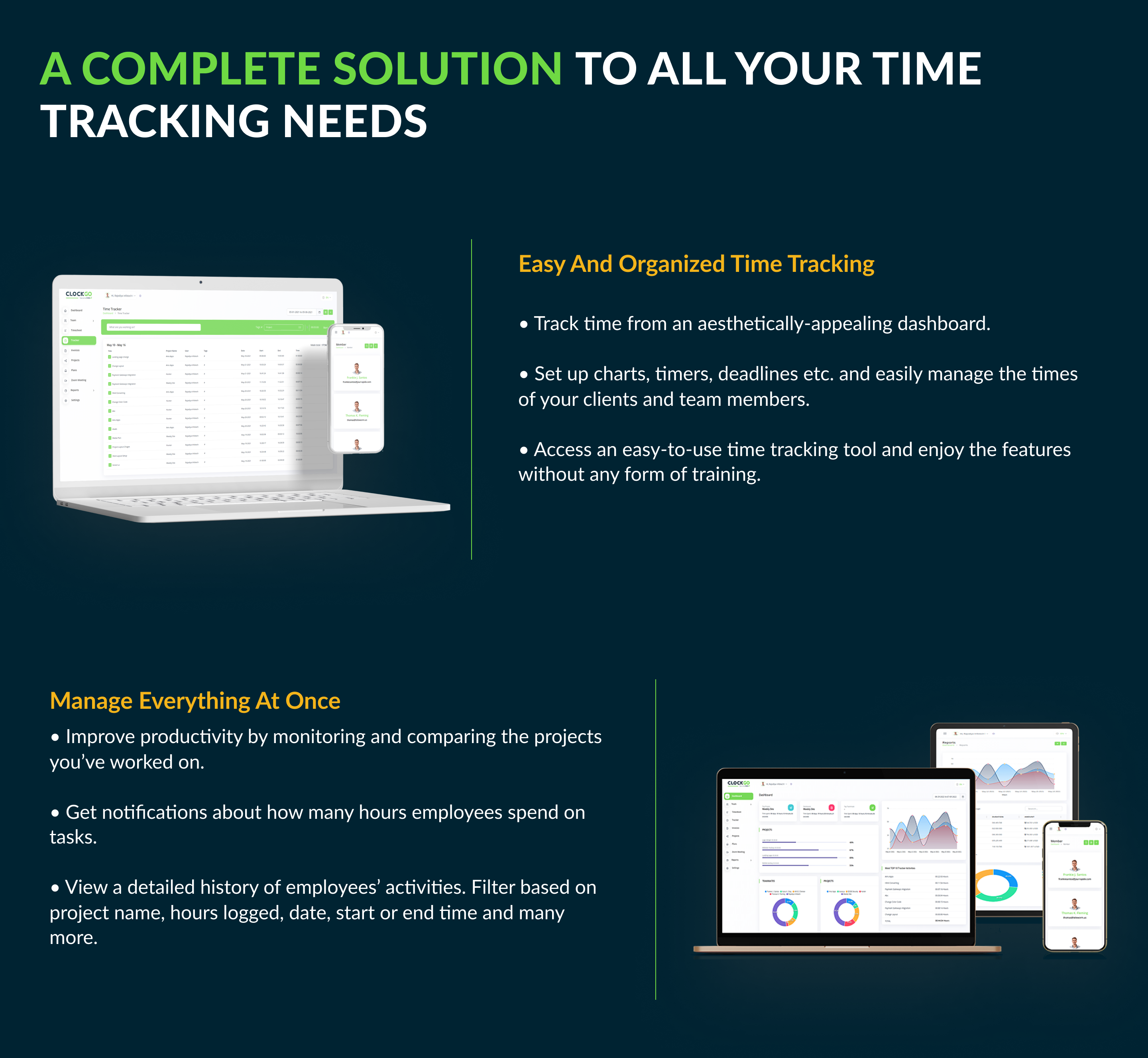
- Track the time while you work on a project
- Reports and Summary filtered through the choice of projects, clients, tags and billing, etc.
- Manage time spent on each task of a project, know the project status, and adjust your project settings
- Desktop Application to Track Project Activities/Hours
- Invoice Module with QR Code
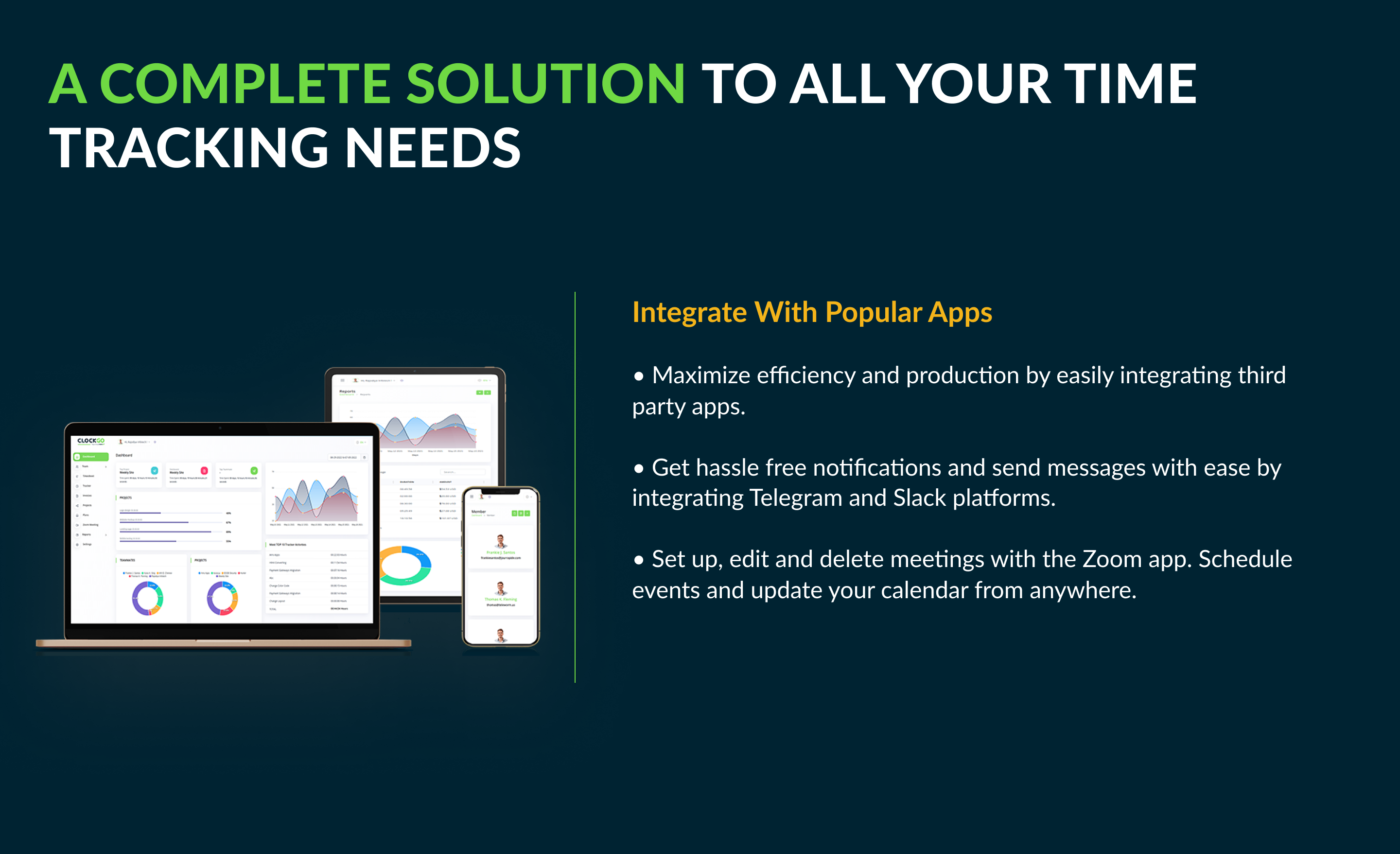
- Slack Integration
- Zoom Integration
- Telegram Integration
- Add members and clients to the database by adding in essential details
- Time Solution is available in multiple languages for Global use
- A user-friendly RTL experience for the customers using Arabic, Hebrew, and Urdu-like languages
- Built with Laravel 8
Salient Features of ClockGo – Time Tracking Tool
Dashboard
Get a visual representation of time spent on different projects for any customized time range. The bar graph can help you get a precise idea of the time spent on each project. You can also get a list of the top 10 tracked activities for that given time. While you can keep a tab on each project, you can also know your top project and top teammate along with their respective timeframes. You can identify individual time spent behind each project and the proportion of work completed. And, lastly, a pie chart of teammates and projects can help you derive useful conclusions.Timesheet
Through this feature, you can get a precise idea of time spent on each project, on each day for any given week. You can also know the total time spent on all projects combined through this tool. Moreover, you can manually add your work to the timesheet by assigning start and end times to the task of a specified project.Desktop Application for Tracking Project Hours
You can track the time spent while working on any given project and its task by starting a timer. You do have the option of choosing whether the work performed is billable or not. Moreover, you can manually add the tracker by suggesting the start and end times to it. Again, you can custom range the sheet display by selecting your preferred period. In addition, you can customize the settings for generating automatic screenshots of the tracker running within a particular time gap. You can set from a minimum of 1 minute for the time gap of screenshots. Also, you can check the screenshots and delete the unnecessary and inappropriate ones if needed.Slack Integration
Receiving instant notifications of the company’s activities is one of the most painless ways to keep a tap on them. With the help of Slack Integration, you can get insight into the major actions through the specific channels as when they are performed. It also helps you to schedule the messages for future dates. Rectifying mistakes are also not burdensome.Zoom Integration
Virtual meetings are no new to us. The Zoom Integration provides a platform where you can create a zoom meeting after giving inputs of asked details like; Client, User(s), Meeting Time, Duration, and it generates a link through which people can join the meeting. You can create, View, Start, and Delete meetings with ease. Along with that, the zoom meeting created, will be synced with the calendar which will show the meeting details, as well as which are the people joining the meeting at what time. This calendar syncing feature helps to schedule meetings accordingly.Telegram Integration
Hassle-free and instant message is one of the absolute ways to stay in tune and connected with projects and activities of the projects. With the Telegram Integration, you can get the notification of the actions performed regarding anything which interests you. Staying in tune with the performing jobs is smooth with this feature.Reports
A visual representation is always better than a descriptive one. Get easy reports on time spent on different projects for a given time frame. For more accuracy, you can filter the projects and billing details. A bar graph offers an immaculate representation of time spent on each project. Additionally, you can find a pie chart depicting the time spent on different projects for that particular time. Further, you can access the summary of these tasks with an overview of the amount earned, timeframe, users, and tags. You can filter the search by selecting the client, project, tags, and billing manner.Report PDF download feature
PDF is one of the handy documents. The presentation of the Reports is straightforward and downloading such in PDF makes the bookkeeping effortless.Project Synopsis
Create new projects by assigning clients to them. Further, you can also assign tasks and members to these projects. Add new tasks and assign estimated hours to them. Assign members and their billable rates, if applicable. Additionally, can customize the project settings by assigning color and project billable rates. You can choose to keep the billing settings on default. Lastly, Select the way you wish to track your projects, be it task-based or through manual estimation. Through ClockGo you can also track the status of each project. Analyze the proportion of tasks completed and remaining time frame, total billable and non-billable hours of work performed, the amount earned and time left to accomplish a project.Project Cost Features
The cost of any of the projects can be predefined as per the Project Cost Feature to set the cost allocation of each project.Project Budget Features
The budget of any of the projects can be predefined as per the Project Budget Feature to set the basic monetary planning for each project.Invoice Module
Generating invoices using the Invoice Module with the QR Code make your work smooth. The invoices can directly be generated by one selection of the Client. The whole process is easily done and time-saving.Invoice Wise Payment
This feature of invoice payment is very convenient in cases, where the monetary transactions are in part payments and in time gaps. It helps the whole flow of transactions to be presented smoothly.Team
Add new members and clients to your list. Assign billable rates to your members.System Settings
From brand logo to permissions and default settings, control every aspect of this tool from here. ClockGo is available in multiple languages for global usage feasibility.IP Restrict Features
IP Restrict Features allow the organization to specify which IP addresses have access to sign in to the particular accounts. The IP addresses are already registered with the company’s managing side which prevents fraudulent entries.Changelog
Here you can see what updates came out and did we bring new to the version. Check Changelog
Support
Please send support request here for any issues, questions or suggestions. To save time and get quick feedback, please don’t ask for support in comments section.


Categories
Tags
External listing. code.market does not sell this product and does not process payment for it. Pricing, payment, delivery, licensing, refunds, and support are handled by the third-party merchant on its own website. We may earn an affiliate commission from a referral. Details.
Products of the Week.
Submit#1

upvote.club
Free Social Media Engagement that Helps Boost Your Content. Upvote Club supports 19 social networks with 100+ engagement actions in one dashboard. Add links to your posts and get free engagement from real users.
SaaS · 16,385 views · 96 clicksSaaS · Week 42 · 16,385 views · 96 clicks
#2

Seenshot App
Free, Fast, MacOS Screenshot app. Make Screenshot cmd+shift+2 and send it via link
Desktop App · 5,382 views · 109 clicksDesktop App · Week 42 · 5,382 views · 109 clicks
#3

Conversational Backlinks for Busy Founders
Place Backlink Relevant Conversation for your domain across Forums and Conversations
Website · 17,206 views · 195 clicksWebsite · Week 42 · 17,206 views · 195 clicks
#4

Substack Posting API
Onboard your Agent to Substack. Write Publish on Substack via API
SaaS · 36,199 views · 184 clicksSaaS · Week 42 · 36,199 views · 184 clicks
#5

codester.com
SocialDesk+: Omnichannel Social Commerce & Business Management Platform This is stronger than simply “Social Commerce and Messaging” because it tells buyers this is a complete business platform, not just a messaging script. Turn Social Conversations Into Sales SocialDesk+ is a complete omnichannel social commerce and business management platform built for businesses that sell and communicate with customers through social media. Instead of switching between WhatsApp, Facebook, Instagram and TikTok, businesses can manage customer conversations, comments, products, leads, follow-ups, automation, teams and business reports from one professional workspace. And because the full source code is included, developers, agencies and entrepreneurs can customize, rebrand and launch SocialDesk+ as their own business solution or SaaS platform. 🚀 Build Your Own Social Commerce Business SocialDesk+ gives you the foundation to launch: - Your own SaaS platform - A white-label social CRM - A social-commerce management system - A customer communication platform - A business messaging solution - A custom solution for clients - A multi-business subscription platform 💬 Connect Your Customers Supported social channels include: WhatsApp • Facebook • Instagram • TikTok Bring supported conversations into one centralized workspace and help businesses respond faster without constantly switching between platforms. 🛍️ More Than a Messaging Platform SocialDesk+ combines communication with the tools businesses need to manage customer opportunities: Inbox Manage customer conversations from connected channels. Comments Monitor and respond to social-media comments. Customers & Leads Organize customer information and potential buyers. Products & Catalog Manage products and give your team quick access to product information. Follow-Ups Make sure potential customers don't get forgotten. Automation Automate repetitive customer questions and responses. AI Assistant Provide AI-assisted communication when configured. Team Management Give managers and staff access to the business workspace. Reports & Analytics Track activity using business reports and analytics. The current product listing already includes these capabilities. 🔥 Why Buyers Will Want It Launch Faster Start with an already-built business platform instead of developing the entire system from zero. Customize Everything The full source code is included, allowing developers to change branding, features, workflows and integrations. Build a SaaS Create multiple business workspaces and offer SocialDesk+ as a subscription-based service. Sell to Businesses Offer it to retailers, restaurants, service businesses, online sellers, agencies and other businesses that communicate with customers through social media. Mobile + Web + Backend This isn't just a mobile UI template. It includes: - Flutter mobile application - Python / FastAPI backend - Web interface - Administration tools - Database infrastructure - API-based architecture - SQLite / PostgreSQL support - Android and iOS project structure 💼 One Platform. Multiple Business Opportunities. For SaaS Entrepreneurs Launch your own subscription platform and allow multiple businesses to operate inside separate workspaces. For Software Agencies Customize and rebrand the platform for clients instead of building an omnichannel business system from scratch. For Developers Use the complete source code as a foundation for your own social-commerce or customer-management product. For Businesses Deploy a dedicated version for your own customer-service and social-commerce operations. 🧩 What's Included Mobile - Flutter / Dart - Android - iOS project Backend - Python - FastAPI - SQLAlchemy - Alembic Database - SQLite - PostgreSQL Web - HTML5 - CSS3 - JavaScript Deployment - Docker - Docker Compose - Production configuration Business Platform - Multi-workspace architecture - Authentication - Teams - Customers - Products - Messaging - Comments - Automation - Reports - Subscriptions - Administration The current listing also documents third-party integrations such as Meta, TikTok, Stripe, Firebase, SMTP and optional OpenAI configuration. ⚡ What Makes SocialDesk+ Different? You're not buying a simple: ❌ Chat UI ❌ WhatsApp clone ❌ Flutter template ❌ Admin dashboard ❌ Basic CRM You're getting a complete business platform foundation that can be customized, branded and commercialized. Connect. Automate. Manage. Grow. SocialDesk+ Omnichannel Social Commerce & Business Management Platform One important change I'd make to the current listing The current page starts with: “A simple guide to managing your social conversations, customers, products and business activity.”
Other · 3,610 views · 31 clicksOther · Week 42 · 3,610 views · 31 clicks
#6

sandbook.app
Sandbook reads EPUB, PDF, web pages and scanned pages aloud with Kokoro TTS, an open neural voice model that runs on your iPhone, free and offline. Choose from 41 natural voices in English, Spanish, French, Italian, Brazilian Portuguese and Hindi and follow each word as it is spoken. Try the same voices in your browser first with the free Kokoro TTS online demo.
Other · 3,614 views · 13 clicksOther · Week 42 · 3,614 views · 13 clicks