#1
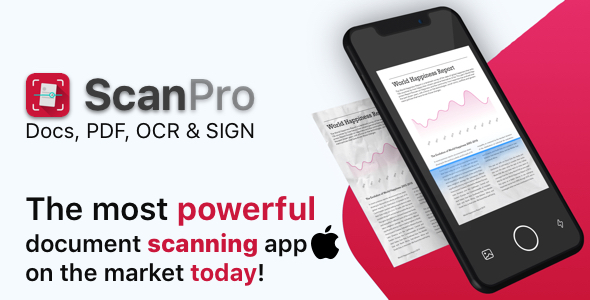
ScanPro - A Premium iOS Mobile Scanner
Just use your phone camera to scan and digitize all kinds of paper documents: receipts, notes, invoices, whiteboard discussions, business cards, certificates, etc.
#1
ScanPro - A Premium iOS Mobile Scanner
Just use your phone camera to scan and digitize all kinds of paper documents: receipts, notes, invoices, whiteboard discussions, business cards, certificates, etc.
#2
![[Addon] Arabic OCR Text Recognition Framework for iOS](https://graphql.code.market/wp-content/uploads/2023/04/Addon-Arabic-OCR-Text-Recognition-Framework-for-iOS.jpg)
[Addon] Arabic OCR Text Recognition Framework for iOS
– 1. Full arabic recognition process image and extracting text – 2. Tessdata Arabic languages with configs – 3. Easy and understandable SDK API – 4. Supports all iOS devices (iPhones and iPads) – 5. The framework is written in C++ – 6. The example is written in Swift latest version – 7. Sketch file included
#3
![[White Label] Scanberry - PDF Scanner App iOS](https://graphql.code.market/wp-content/uploads/2023/03/White-Label-Scanberry-PDF-Scanner-App-iOS.jpeg)
[White Label] Scanberry - PDF Scanner App iOS
– 1. Full file manager – 2. Document scanner – 3. Filters, cropper, distorting, edges detecting – 4. PDF to image, pdf signing, drawing – 5. List view, collection view, sorting by size, date, name, selection mode – 6. Premium features screen (Activated after IAP) – 7. Passcode – 8. PDF/Folder rename – 9. PDF/Folder 3D touch actions: move to, rename, share, delete – 10. Fastest OCR image – 11. Insert pages to pdf, delete by page or all document, share one page or all document – 12. Download OCR languages (can be deployed to your own server) – 13. PDF Reorder – drag and drop – 14. PDF password, PDF print – 15. Import files in folder from camera, gallery or iCloud – 16. Settings page: Upgrade, restore, passcode, share, rate, contact web view, PP and TofU – 17. PDF merge – multiple selection to one file – 18. Amazing animated app intro – 19. Drawing tools – Pen, text, select elements, ellipse, eraser, line, arrow, rectangle, star, triangle, pentagon – 20. Drawing sizes – 1, 2, 3, 4, 5, 7, 10, 12, 15, 20, 22 and 25 px – 21. Drawing fill colors: 150 colors – 22. Drawing stroke colors: 150 colors – 23. Drawing steps: undo, redo – 24. Image editing: Filters: b&w, magic, chrome, sepia and color – 25. Image editing: brightness, contrast – 26. Image cropping: Select or auto detect rectangle mode, distortion mode, rotate – 27. Signature: create own signature: options: color picker, opacity, thickness and 4 tools, erase – 28. Signature: dragging, resizing, delete, applying – 29. iMessage extension: scanner app – 30. iMessage extension: document detection, cropping, live filters, conversation sharing
#4
![[TS] DocScan - A mini and Powerful mobile scanner for iOS (Admob, IAP, Push Notifications)](https://graphql.code.market/wp-content/uploads/2023/03/TS-DocScan-A-mini-and-Powerful-mobile-scanner-for.jpg)
[TS] DocScan - A mini and Powerful mobile scanner for iOS (Admob, IAP, Push Notifications)
DocScan is currently the fastest and most powerful tool for scanning documents. DocScan will turn your iPhone or iPad into a powerful mobile scanner.
#5
![[VS] DocScan - A mini and Powerful mobile scanner for iOS (Admob, IAP, Push Notifications)](https://graphql.code.market/wp-content/uploads/2023/03/VS-DocScan-A-mini-and-Powerful-mobile-scanner-for-iOS.jpg)
[VS] DocScan - A mini and Powerful mobile scanner for iOS (Admob, IAP, Push Notifications)
DocScan is currently the fastest and most powerful tool for scanning documents. DocScan will turn your iPhone or iPad into a powerful mobile scanner.
#6
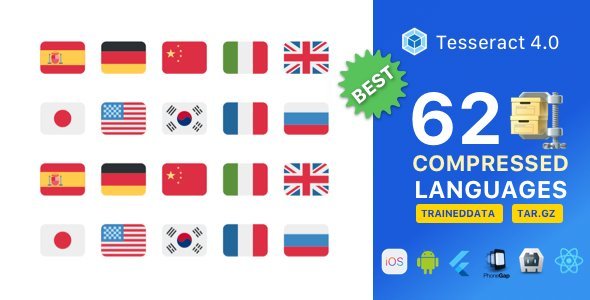
62 Super Compressed Tesseract 4.0 OCR languages pack