#1
Page to Image
Capture, crop, and annotate any webpage. Export full-page PNG, JPEG, or PDF files locally, with no silent downscaling.
#1
Page to Image
Capture, crop, and annotate any webpage. Export full-page PNG, JPEG, or PDF files locally, with no silent downscaling.
#2

Seenshot App
Free, Fast, MacOS Screenshot app. Make Screenshot cmd+shift+2 and send it via link
#3
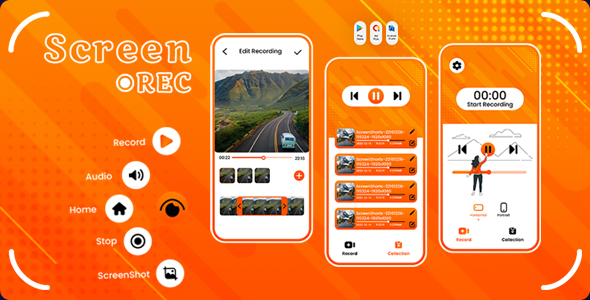
Screen Recorder - Video editor - Recording Shortcuts - Video Trimmer - Hd Recorder - Screenshot
Are you looking for an app to record the activities running on your phone screen? Screen Recorder – Record Video will be the best solution for you. Download Screen Recorder – Record Video and record whatever you want. Online matches, a voice call, an online learning session, an online meeting or anything you want can record screen in just one touch. Screen Recorder – Record Video helps you get the best screen recording experience.
#4
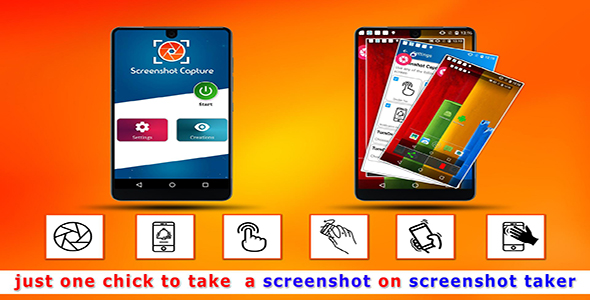
Screenshot Taker - Easily Capture your Screen - Android App + Admob + Facebook Integration
Screenshot Taker Highlights or its uses: ✔ Its Captures emails, Phone numbers, messages, addresses, Photos, or whatever appears on the screen. ✔ Easily captures screen with one button touch. ✔ It captures very Fast. ✔ Very Handy: All screenshots are stored in one place. ✔ Works Offline ✔ Free to download ✔ Easy to crop ✔ Easy to edit ✔ Easy to Save screenshots within the app. ✔ Easy to share screenshots via Social media.
#5
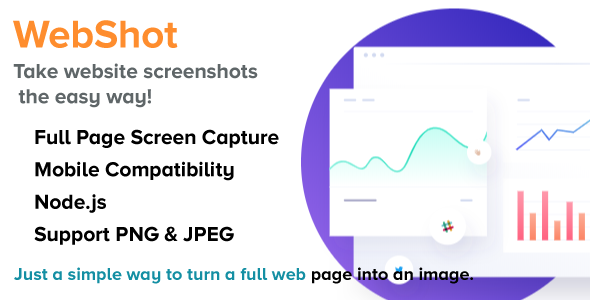
WebShot - NodeJS Full Web Page into an Image
WebShot – Take website screenshots the easy way! Just a simple way to turn a full web page into an image. WebShot created with latest technologies such as Node.js, Express.js , Chromium and others. The design is fully responsive.
#6
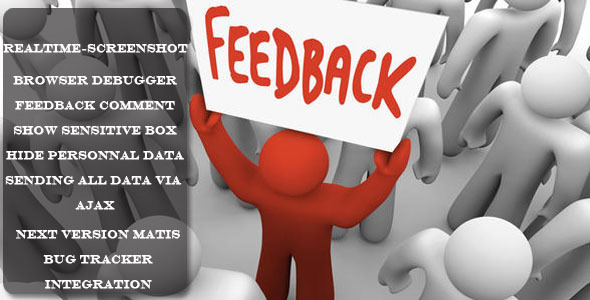
Advanced FeedBack Plugin
Using the wizard mode, the user can enter a comment, add marker to scrennshot and see a summary of data that will be returned before sending feedback.
#7
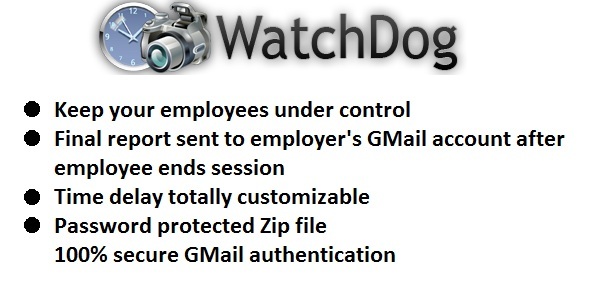
Watch Dog
WatchDog was developed thinking about your busniess. With WatchDog you will have all your employees activity recorded, so you can check their work is done. Employee only need to set the interval between a screenshot and the next, and then when program is closed, the employer receive a mail containing a zip with the pictures taken today and a full complete report of the employee’s activity containing name and date of every single screenshot and the total time watched.