#1
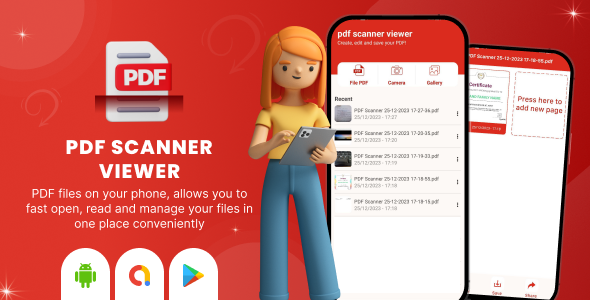
PDF Scanner Viewer - Document Scanner and Reader - Image to PDF Maker - PDF Creator - PDF Editor
#1
PDF Scanner Viewer - Document Scanner and Reader - Image to PDF Maker - PDF Creator - PDF Editor
#2
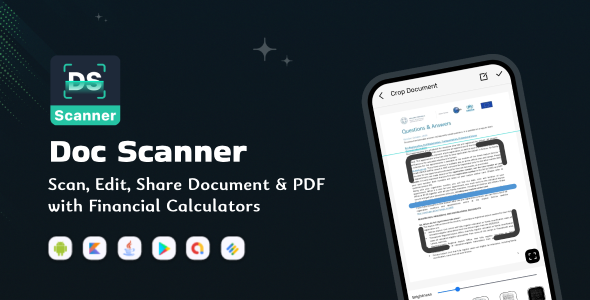
Cam Scanner
Why you should use PDF Scanner: ✔️ No watermark ✔️ No login ✔️ Free to use in basic features with scanner app ✔️ Trusted by more than 1 million users around the world
#3
PDF Scanner
PDFScanner is a smooth scanner app for your iphone. Easily scan your paper documents on the go and export them as PDF or Images. Place any document in front of your device’s camera, scanner app automatically recognizes the paper against the background, crop it so you do not miss anything. You can also use images of your gallery to make a pdf document.
#4
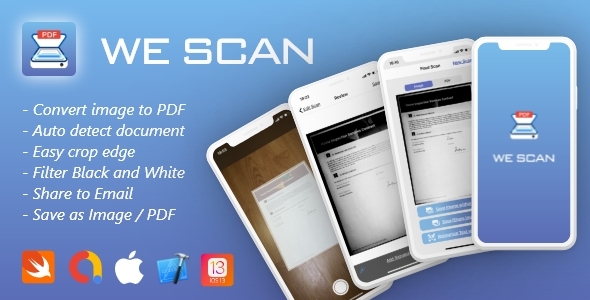
PDF Scanner app iOS 13+, Swift 5 - We Scan
We Scan is a super light and smart scanner app in your pocket. This app can quickly scan your paper documents on the go and export them as PDF files or Images.
#5
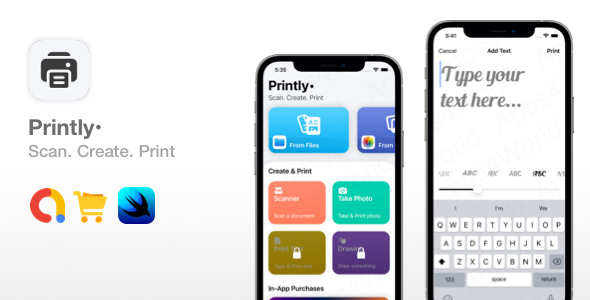
Printly - Smart Printing from iPhone
Printing apps are very convenient, allowing users to scan documents, snap photos and print them instantly from their phones. Some of the top apps like “Smart Printer App & Scanner” are making $100k/month according to this sensortower report. We’ve added a unique feature to this app, which is the drawing tool that lets users draw and print their drawings. Also, the type & print feature includes font styles, and sizes, which makes our app stand out from competitor apps.
#6
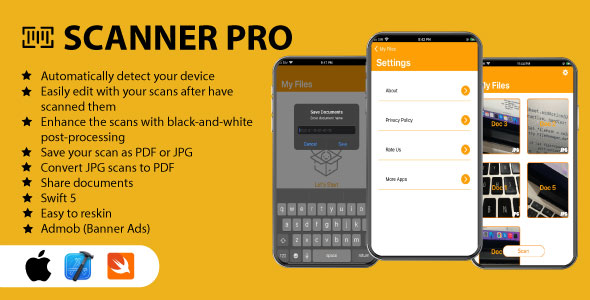
Scanner Pro PDF/IMAGE - iOS Source Code
Scanner Pro will turn your device into a powerful portable scanner that recognizes text automatically , and help you become more productive in your work and daily life
#7

PDF Scanner - SwiftUI Text Recognition Document Scanner
You probably know by now how profitable the PDF Scanner apps are. See for instance this scanner, making $3m/month, or this one making $500k/month. Most of the apps are using the same technique to scan documents, allow you to create a PDF from scanned images and some of them offer text recognition features as well. You’ve been asking for a PDF scanner app for a while, and it’s finally here, fully developed in SwiftUI and using all native frameworks from Apple. No 3rd party products, APIs, or frameworks, so you don’t need to worry about something breaking or not being supported in the future.
#8
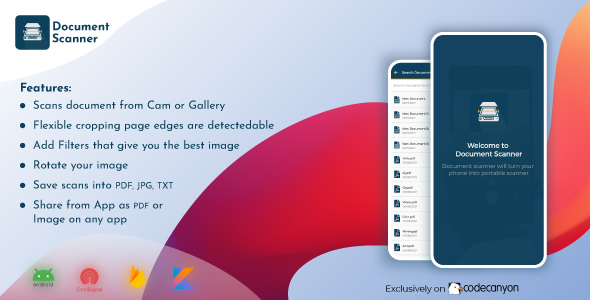
Document Scanner - PDF Scanner & Cam Scanner
Free Document Scanner app is the best for scanning documents in high-quality PDF format. Free scan pictures, written doc, ID card, passport, and printed documents. You can also click pictures and photos for scanning from the camera by the Doc Scanner app. no need for Scanner, Easy to scan any kind of document in your office or home like receipts, class notes, bills, book pages, and anything within seconds.
#9

TextScan OCR Swift UI App - Extract text from documents
#10
![[All in One] iLoveConverts PRO - Online Converter Tools Full Production Ready App with Admin Panel](https://graphql.code.market/wp-content/uploads/2023/03/All-in-One-iLoveConverts-PRO-Online-Converter-Tools-Full.jpg)
[All in One] iLoveConverts PRO - Online Converter Tools Full Production Ready App with Admin Panel
#11
![[All in One] iLoveConverts- Online Converter Tools Full Production Ready App(Angular15 & Typescript)](https://graphql.code.market/wp-content/uploads/2023/03/All-in-One-iLoveConverts-Online-Converter-Tools-Full-Production-Ready.jpg)
[All in One] iLoveConverts- Online Converter Tools Full Production Ready App(Angular15 & Typescript)
#12
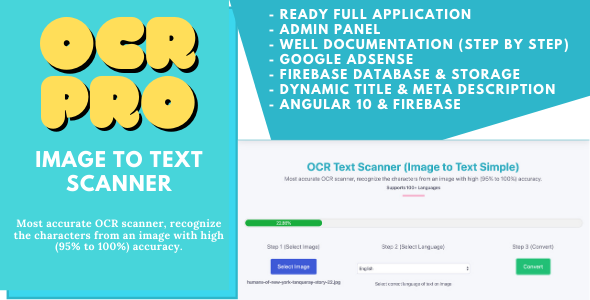
OCR Pro - Image to Text Converter Full Production Ready App With Admin Panel(Angular 15 & Firebase)
#13
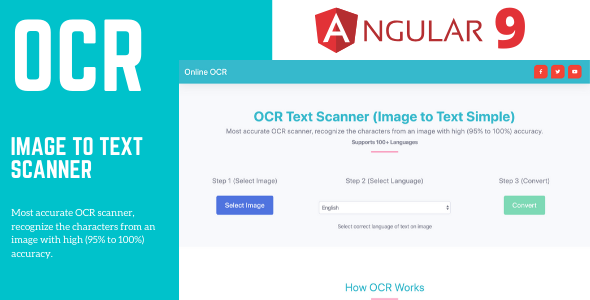
Online OCR Tools - Image to Text Converter Full Production Ready App (Angular 15 & Typescript)