#1
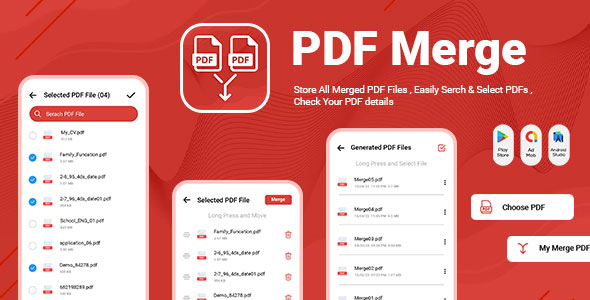
Merge PDF - Merge Multiple - PDF Editor - PDF Files - Combine PDF - PDF Reader - Rearrange PDF
How to use Merge Multiple PDF Files: - Tap on the Choose PDF option. - You will be able to see all the PDF files present on your phone. Select the PDF files that you want to combine. - Click on the tick mark option located at the top right corner of your screen. - Long press on a file to move it so you can arrange all files in the sequence. - Click on the Merge button located at the top right corner. - Give a name to your PDF file and select Merge.