#1
Be My Eyes - See the world together
#1
Be My Eyes - See the world together
#2
ChatPhoto
Ai Image To Text
#3
PicNotes. The #1 Image to Text Web App
#4
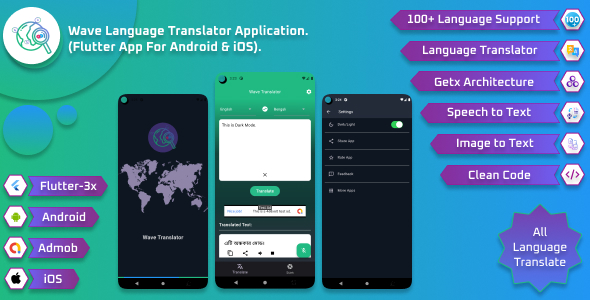
Wave Language Translator Application. (Flutter App For Android & iOS)
Introducing Wave Language Translator, your comprehensive language companion designed to break down communication barriers effortlessly. Wave Language Translator is not just an app; it’s a bridge connecting cultures, fostering understanding, and making the world a more accessible place. Download Wave today and embark on a journey of linguistic exploration and communication.
#5
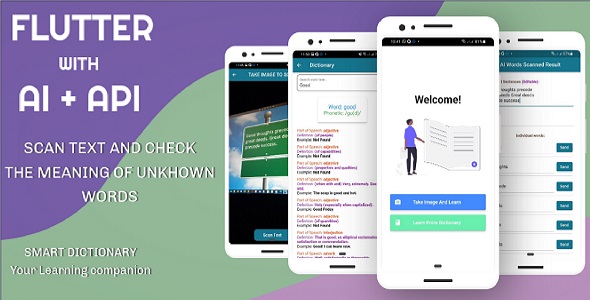
SMART Dictionary (Flutter With AI And API)
Convert Image-to-Text, Text-to-Word and Retrieve Meaning
#6
![[Addon] Arabic OCR Text Recognition Framework for iOS](https://graphql.code.market/wp-content/uploads/2023/04/Addon-Arabic-OCR-Text-Recognition-Framework-for-iOS.jpg)
[Addon] Arabic OCR Text Recognition Framework for iOS
– 1. Full arabic recognition process image and extracting text – 2. Tessdata Arabic languages with configs – 3. Easy and understandable SDK API – 4. Supports all iOS devices (iPhones and iPads) – 5. The framework is written in C++ – 6. The example is written in Swift latest version – 7. Sketch file included
#7
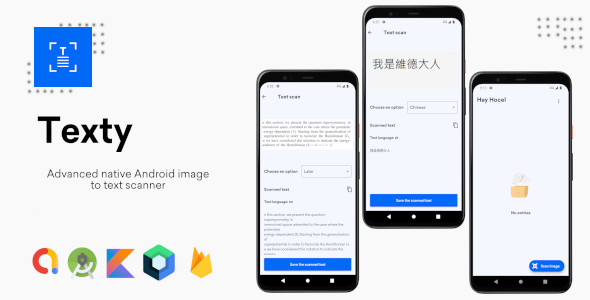
Texty - Advanced native Android Image To Text Scanner
Texty is a powerful app that lets you retrieve texts of so many languages from your images using powerful machine learning models. You can easily switch from different languages models from within the app. The app also lets detect in which language your text is written. You can store your scanned remotely in a server within your account so only you can find them anywhere.
#8
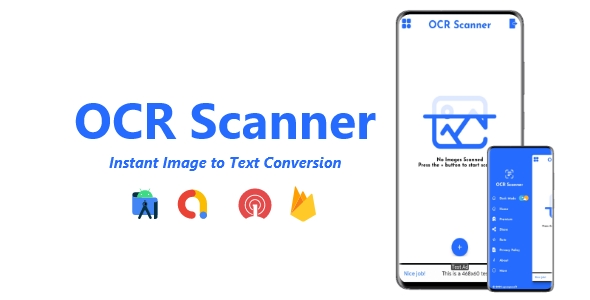
OCR Scanner - Instant Image to Text Converter | ADMOB, FIREBASE, ONESIGNAL
Features - Latest SDK version - Android 11, 12 & 13 support - Splash Screen - Scan Images - Scan Document - Convert Images to Text - Export file as a PDF, txt format - Copy detected text from image - Support multiple languages - Edit extracted text - AdMob Ads supported - OneSignal push notifications supported - Firebase supported - Easy to reskin - Modern UI Design, Look & Feel - Light/Dark Mode support - Privacy Policy, Share, Rate More App & About sections
#9
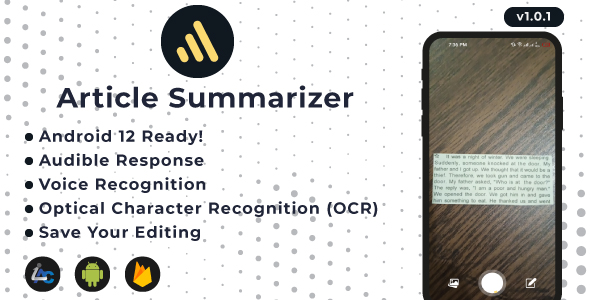
Image to Text - Article Summarizer, OCR, Voice Typing, Audible Output - Android, AdMob, OneSignal
Your handy tool for summary creation. You can take a picture from a camera or an image from a gallery and, BOOM!!! you have all the text from the image.
#10
![[All in One] iLoveConverts PRO - Online Converter Tools Full Production Ready App with Admin Panel](https://graphql.code.market/wp-content/uploads/2023/03/All-in-One-iLoveConverts-PRO-Online-Converter-Tools-Full.jpg)
[All in One] iLoveConverts PRO - Online Converter Tools Full Production Ready App with Admin Panel
#11
![[All in One] iLoveConverts- Online Converter Tools Full Production Ready App(Angular15 & Typescript)](https://graphql.code.market/wp-content/uploads/2023/03/All-in-One-iLoveConverts-Online-Converter-Tools-Full-Production-Ready.jpg)
[All in One] iLoveConverts- Online Converter Tools Full Production Ready App(Angular15 & Typescript)
#12
![Image To Text[OCR]](https://graphql.code.market/wp-content/uploads/2023/04/Image-To-TextOCR.jpg)
Image To Text[OCR]
Image To Text App to Recognize text inside images.it is used to convert virtually any kind of images containing text (typed, handwritten, or printed) into Writable-readable text data. Just Import the image or snap a photo of your notes, reports, screenshots, Documents, and Simply Extract into text.
#13
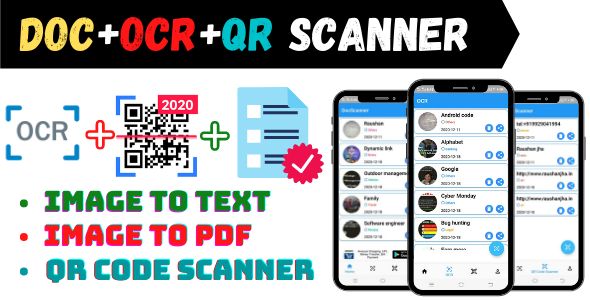
All in One Scanner App is OCR+QR+Image to PDF Scanner.
All in One Scanner App is OCR+QR+Image to PDF Scanner. OCR Notes help to store information as a text from an image. QR Scanner is used for scan QR codes. Doc Scanner is used for Convert images into PDF format. You can spread app and earn more recurring income if you will integrate Admob. We have designed award-winning User Interface and User Experience app design for the latest era. All in One Scanner App could be the best option for you.
#14
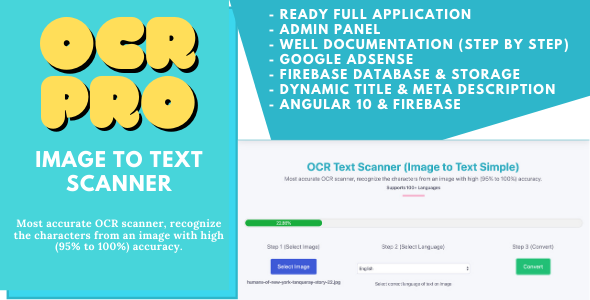
OCR Pro - Image to Text Converter Full Production Ready App With Admin Panel(Angular 15 & Firebase)
#15
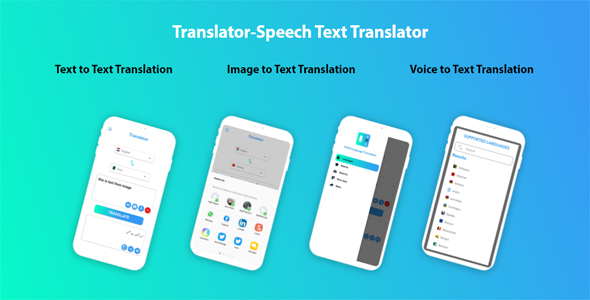
All Languages Translator with Admob Ads
Description- All Languages Translator App is a utility which provides translation for all languages. The features include are: Image to text translation, speech to text translation, floating button just like facebook, you can enable and disable floating button. UI is eye catching and code is neat and clean and it also includes Admob ads. All Languages Translator Free, Voice Text Translate All is a leading/professional Translator App to translate between languages using features like text translator, voice translator, text to speech, language translator with English conversation. All Languages Translator app allows you to translate between all languages. Free translation app is especially helpful when you are out of the country or in a place where you do not know the local language or somewhere foreign. All Languages Translator, which allows you to take notes easily by speaking. Learn local/indigenous languages including all International languages. If you’re in a foreign place, no need to worry & just use language translator’s speak to translate functionality to translate words pronunciation of the local/foreign language.
#16
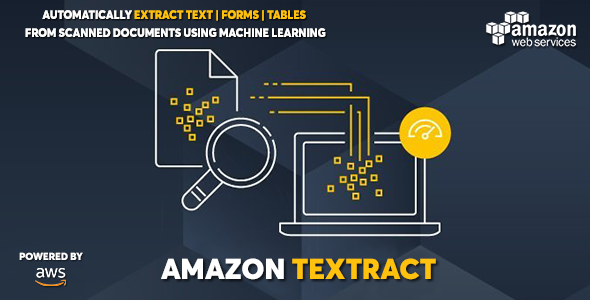
AWS Amazon Textract - Extract Text Forms Tables from Images and PDFs with ML
#17
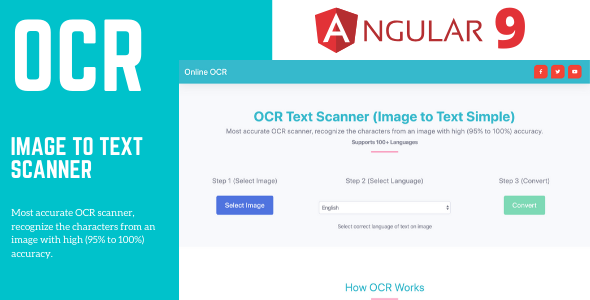
Online OCR Tools - Image to Text Converter Full Production Ready App (Angular 15 & Typescript)
#18
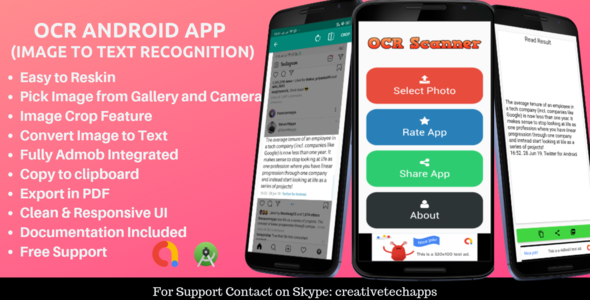
OCR Scanner - Image to Text Recognition Android App
OCR Scanner Android App will help you to recognize or detecting all text from an image and convert it into text form. It really an amazing tool for users and one of the most popular apps in play store.
#19
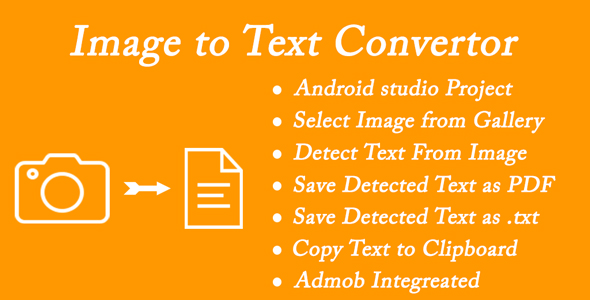
Image To Text - OCR Scanner
Image to Text – OCR scanner is accurate and best tool to convert image to text. In our daily life, we frequently need something that can scan Image to text. If you go manually, it will take a lot time to convert a Image to Text. This OCR scanner helps you to convert images to text format which you can export to direct .txt or .pdf file. You can even save your converted text.
#20
Draw 2 Text