The Largest Curatorial Library
With Image Hover

Poya 3d Image Hover Effect | JavaScript, CSS Hover Pack

Poya 3d Image Hover Effect | JavaScript, CSS Hover Pack

Poya 3d Image Hover Effect | JavaScript, CSS Hover Pack is a collection of mouse move based 3d hover effects. The library requires JQuery to work. There are 48 different text styles, 12 effect options and numerous variations. In order to use the effects include the plugin CSS and JS file as well as JQuery to your projects, add HTML markup and initialize the plugin. The documentation fully guides you on how to setup and configure everything.

Savy - CSS3 Image Hover Animation Effects

Savy - CSS3 Image Hover Animation Effects

Savy – CSS3 Image Hover Animation Effects, there are 15+ types of hover effects with animation. You can use it on your web site or anyplace in your project to showcase your pictures during a distinctive approach. They are utterly customizable and prepared to use during a few straightforward steps by choosing the actual section that you would like to use. HTML5 and CSS3 files area unit valid and well commented. Feel free to contact us at any time. We have a dedicated team to provide you the best support. You can contact us via Theme-Forest profile or through this email epictheme15@gmail.com. We can solve your issue as soon as possible with high priority. We 100% support you in technical terms or for customization’s.

Marvelous Hover Effects | WordPress plugin

Marvelous Hover Effects | WordPress plugin

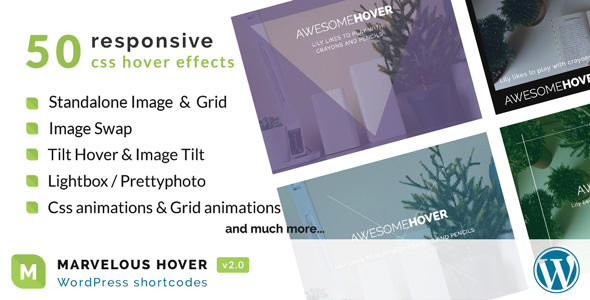
Marvelous Hover Effects plugin is a collection of over 50 beautiful Hover effects or Tilt effects that helps you to easily create magnificent interactive IMAGES or GRID in your website. This gives you a pack of customizing options to style your images with caption or grid layout such as post grid, page grid… Power your website with this impressive and modern trend! Marvelous Hover Effects is specially featured in our powerful visual composer bundle Visual Composer Kit. Get Visual Composer Kit for 40+ interactive and trending elements.