Dino Puzzle Adventure
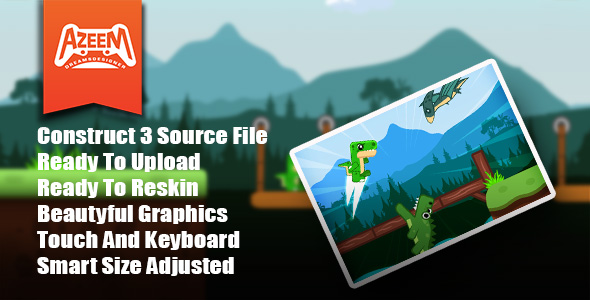
Event Sheet & Main Game code. Go to the Event Sheet folder, you will see sheets associated with layouts There are 3 Layouts Menu , Level Selection and Main Game. Menu is where the Game loads Progress Data Coins etc. Level Selection is where Levels buttons are locked or unlocked based on the Last data received. Main Game Physics Plat former behavior is used for Player’s movement like (up,left,right), arrow keys or (W,A,D) Player collisions with enemies(Spicks,Raino,fly Dino,volcano,crocodile,blade) makes the player dead. Also Player plays animations. and you can play on mobile movement for players based on touch icons. physics behaviors are used for obstacle movements ai .there is a Persist object called spanner placed at the starting position on the layouts. It spawns the player. On the checkpoints it changes its position to the checkpoint. So next time it spawns the player on the checkpoint Game Logic Victory is based on when the player reaches the cave level completed and victory popup will appear. Game Over is based on if the player hit by the obstacles player dies. Game over Popup will appear. Game Save Data Local storage The game saves Progress, and starts when the victory triggers. Progress is responsible for level unlock. They are first stored in the global variables to work, throw the layouts and store these global variables to the dictionary then saves the dictionary AsJSON to local storage. At the Menu sheet the game checks the local storage to load the dictionary. Audio There are different types of sound Click sound Game over sound Victory sound Coin sound Background sound player jump sound