#1
Emails extractor and slicer
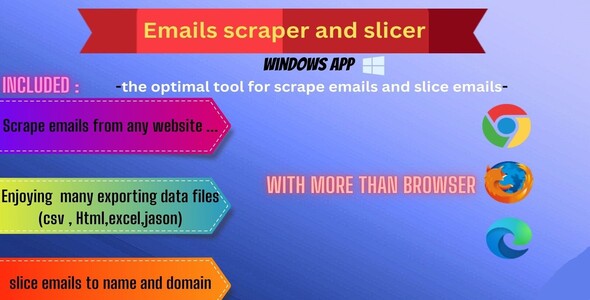
-There is pretty Adds that allow to you know where is you file path after getting exporting the data - There is an text box you can put your email in it and press slice for slicing email to name and domain name
#1
Emails extractor and slicer
-There is pretty Adds that allow to you know where is you file path after getting exporting the data - There is an text box you can put your email in it and press slice for slicing email to name and domain name
#2
YouTube scraper
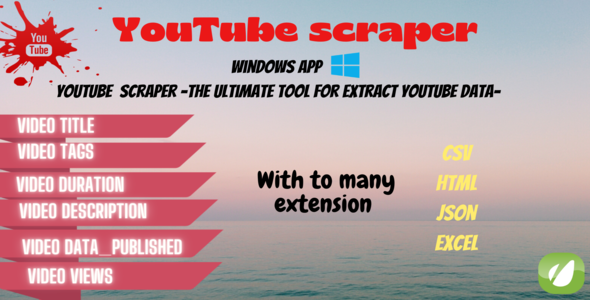
An effective and easy tool in extracting video data from YouTube with the data you actually need. You can also save the data extracted in more than one extension.
#3
All-in-one Websites Scrapper Pro
#4
Xtractor for Google Maps & Places
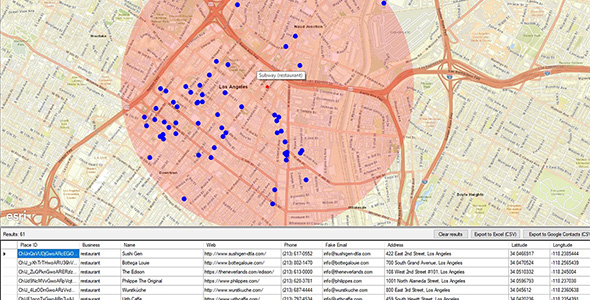
Peter has a business to repair turbo car. He wants to offer his services to all the workshops in the area and even offer to receive and send the repaired turbochargers by courier throughout the country. You can do a search on Google Maps and go one by one looking for all the workshops in the country, clicking and checking if they have a telephone and a website to contact them. Obviously this will take a lot of time and effort.
#5

Data scraper for web - Data Excavator
#6
RegEx Extractor for Mac
A library of regex samples (and with examples) is included. If you need help to create the correct regular expressions, feel free to check the support page.
#7
Easy Script Copier - Extract HTML, CSS and JS !
I built this tool to save on my PC some jQuery and Ajax scripts (sliders, accordions, countdowns, charts, ...). It works with HTML5, CSS3 and JavaScript files. Easy Script Copier will change all local links to files in the main HTML file.
#8
RegEx Extractor - Extract Everything Simply !
Usage examples - Extract emails from old CSV address book. - Extract image sources from HTML files. - Extract proxies from online websites. - Extract URLs results from Google. - No limits…