#1
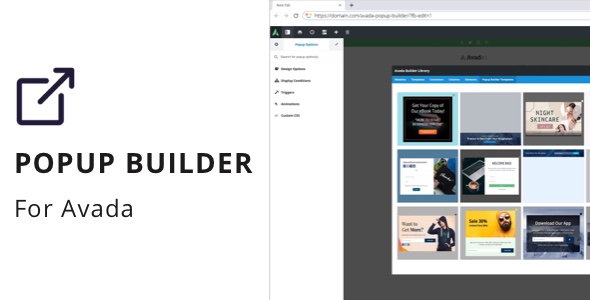
Popup Builder for Avada
#1
Popup Builder for Avada
#2
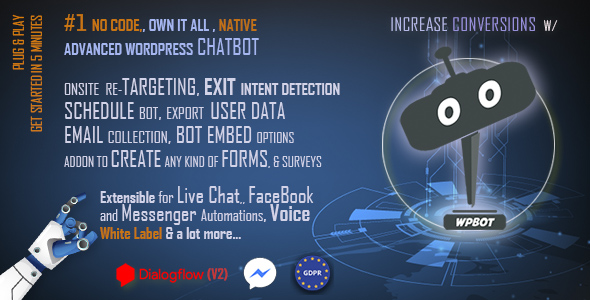
ChatBot for WordPress with OpenAI - ChatGPT
NOTE: OpenAI GPT-3 (ChatGPT) is now included with WPBot pro core plugin. Also supports AI Content writing or content generator and AI Image generator using DALL – E2.
#3

WordPress Lucky Wheel - Lucky Wheel Spin and Win
Lucky Wheel Spin and Win are like a game that helps to motivate purchasing. Lucky Wheel Spin and Win are considered a commonly used marketing strategy by shop owners, Shoppers can not only buy goods, but they can also play the fortunate wheel games, which would be amazing if they win coupons or gifts, It truly promises to enhance their buying experience and promote customer shopping returns.
#4
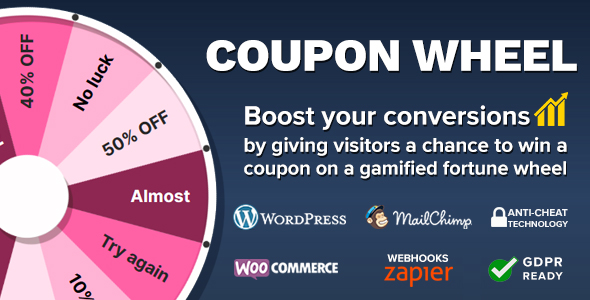
Coupon Wheel For WooCommerce and WordPress
Engage your customers by giving them a chance to win a coupon by spining a fortune wheel. Automatically issue UNIQUE WooCommerce coupon codes, display coupons immediately or send them by mail, display coupon URGENCY timer countdown for more engagement, collect data (email, first name, last name) and subscribe customers to your MailChimp lists, and much more …
#5

OptinSpin - Fortune Wheel Integrated with WordPress, WooCommerce and Easy Digital Downloads Coupons
Luck favors the bold. Let’s offer that opportunity to your potential customers in the form of OptinSpin. Our engaging and fascinating plugin helps you to convert your visitors into subscribers and customers. Based on the classic wheel of fortune, your customers will have fun trying their luck while you generate genuine leads and email databases for further marketing campaigns.
#6

Green Popups (formerly Layered Popups) - Standalone Popup Script
Internet is full of boring popups. So, it is a time to break this trend. That’s why we created Green Popups (formerly Layered Popups). With this script you can realize your imagination and make unique multi-layers popups. You can create multiple layers with whatever-you-want content and add custom transitions/animations for each layer. You can embed AJAX-ed subscription/contact form which works with over 60 popular email marketing providers (MailChimp, GetResponse, Campaign Monitor, AWeber, Mad Mimi, etc. (for full list please visit Green Popups page)). You can raise popup window on page load, on exit intent, on scrolling down, on user inactivity or show it on click event. Moreover you can use any popup as a part of webpage content. With Green Popups you can make your website more attractive and pay users attention to certain stuff.
#7
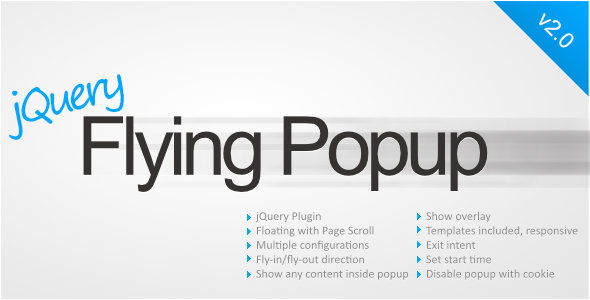
jQuery Flying Popup
Allows to show floating HTML popups that follow page scroll/resize (also static HTML popups can be shown when desired). Popups can fly in from outside of the screen (from every direction). In popup you can also show any kind of forms, play videos NEW in 2.0 – ‘exit intent’ and follow cursor options There is an option to show popup on ‘exit intent’ – user moves the cursor to the top, as to move away from current website. The other new option is ‘follow cursor’ – which enables moving the popup in the place where mouse cursor is at the moment. NEW in 1.7 – sample templates There are 4 templates added to help you create popup. Available configuration: